You now have the ability to send multiple campaigns into an existing kit when sending across from Campaign Builder
Roles required
Admin role - Full access
Superuser - Reduced access - Cannot delete and download
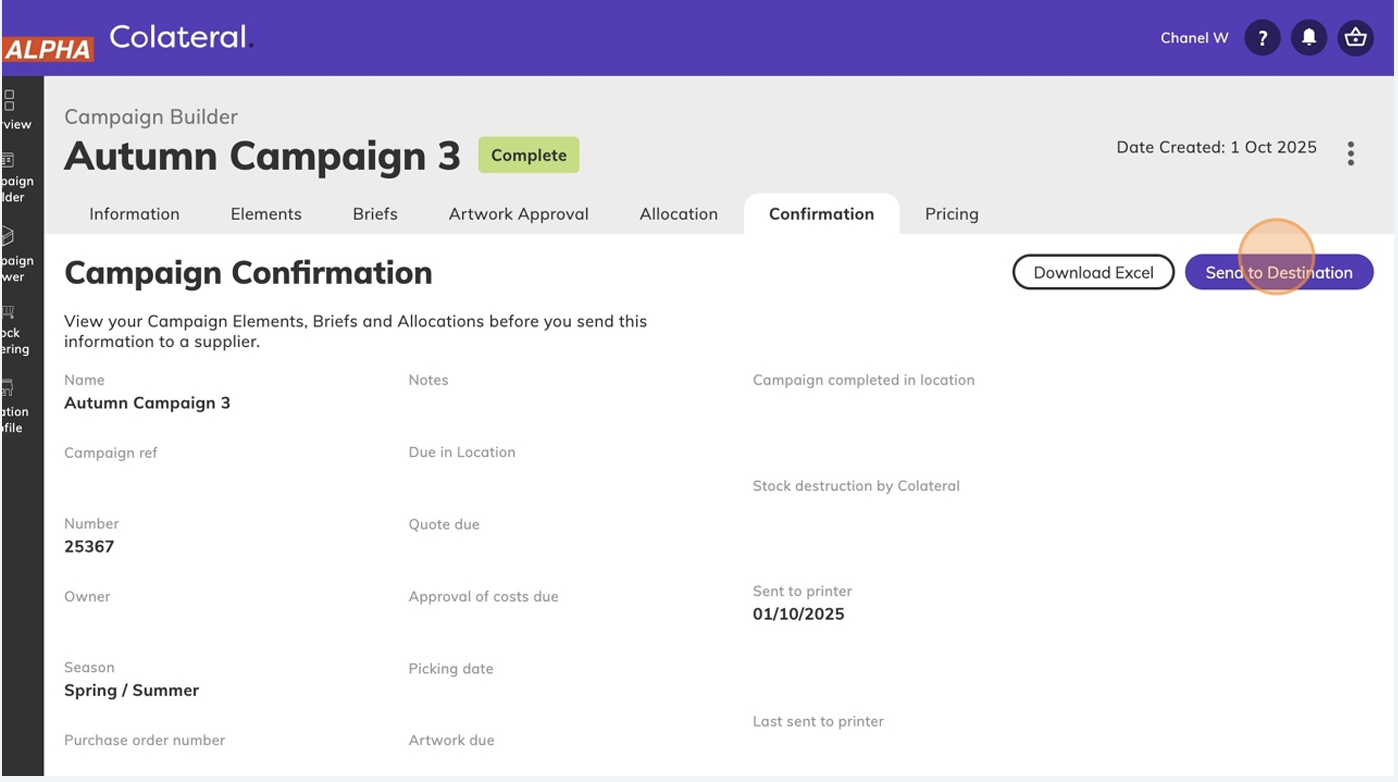
- Once campaign is in complete status, click "Send to Destination"
- Click "Send to"
- Click "Kitting and Logistics"
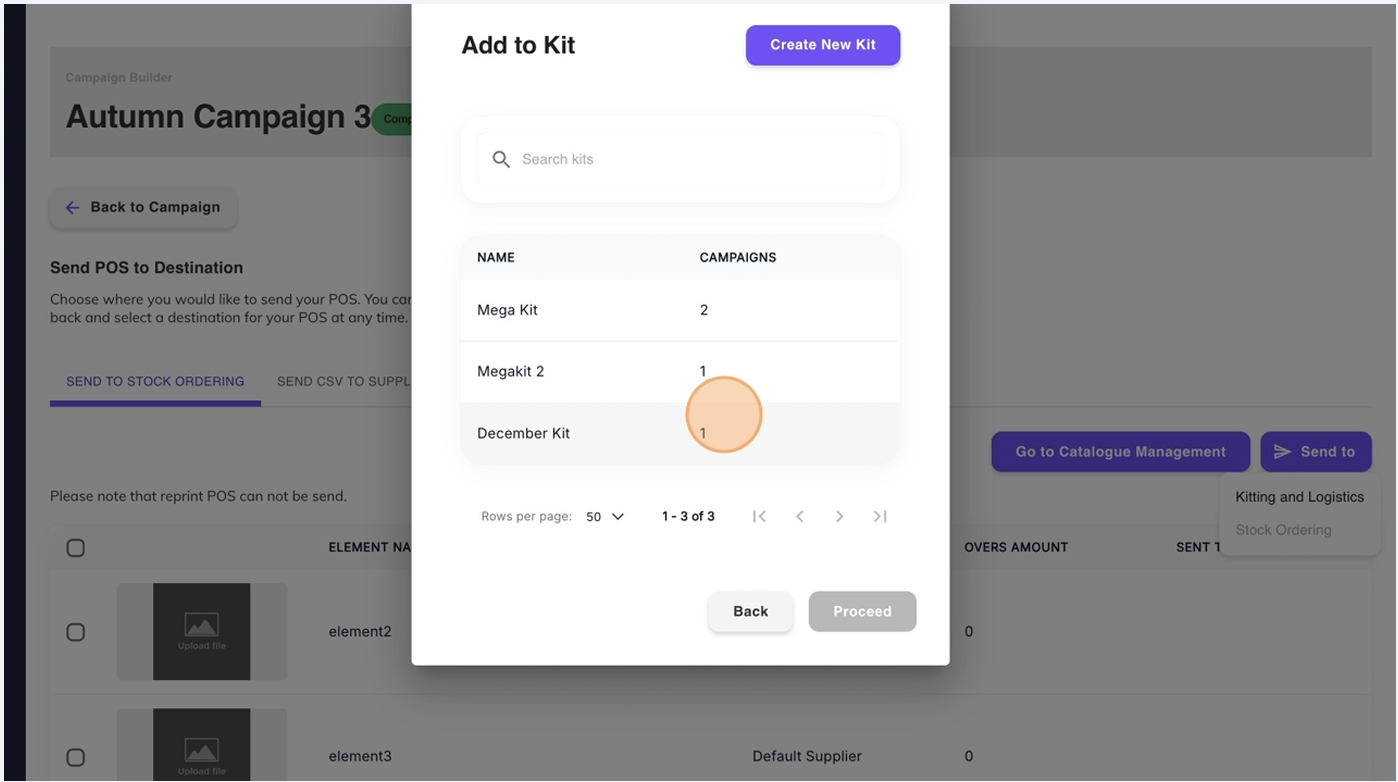
- You will see a list of all existing kits from Kitting and Logistics
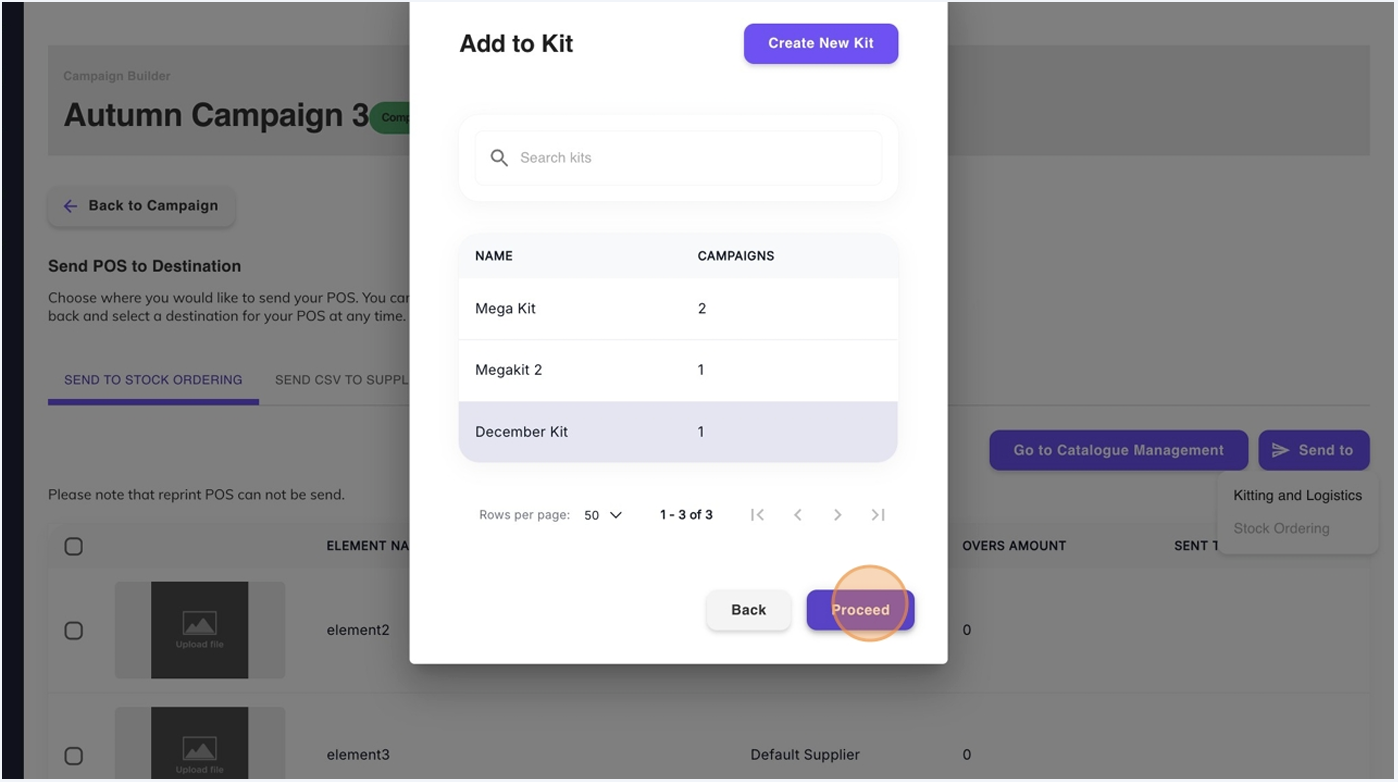
- Select your kit and Click "Proceed"
- Click "Go to Kitting"
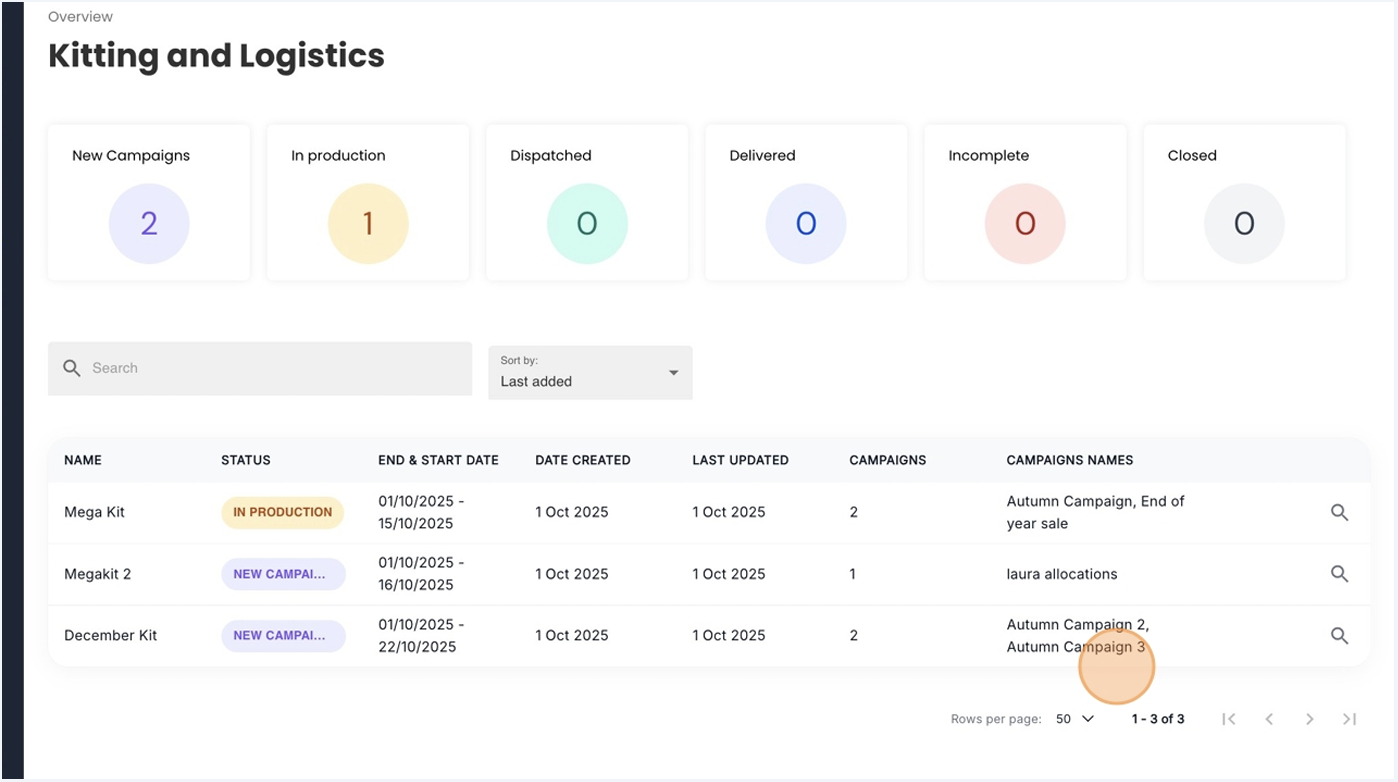
- You'll be taken to the Kitting and Logistics Dashboard. You will now see your campaign has been added as an extra kit
Was this article helpful?
That’s Great!
Thank you for your feedback
Sorry! We couldn't be helpful
Thank you for your feedback
Feedback sent
We appreciate your effort and will try to fix the article