Start assigning your created Suppliers to Elements to use when creating campaigns in Campaign Builder. Each Supplier will be notified via email when an order is complete.
Roles Required
Admin role - Full access
Superuser - Reduced access - Cannot delete and download
Start Creating
- Go to Admin > Elements
- Select an Element by clicking the pencil
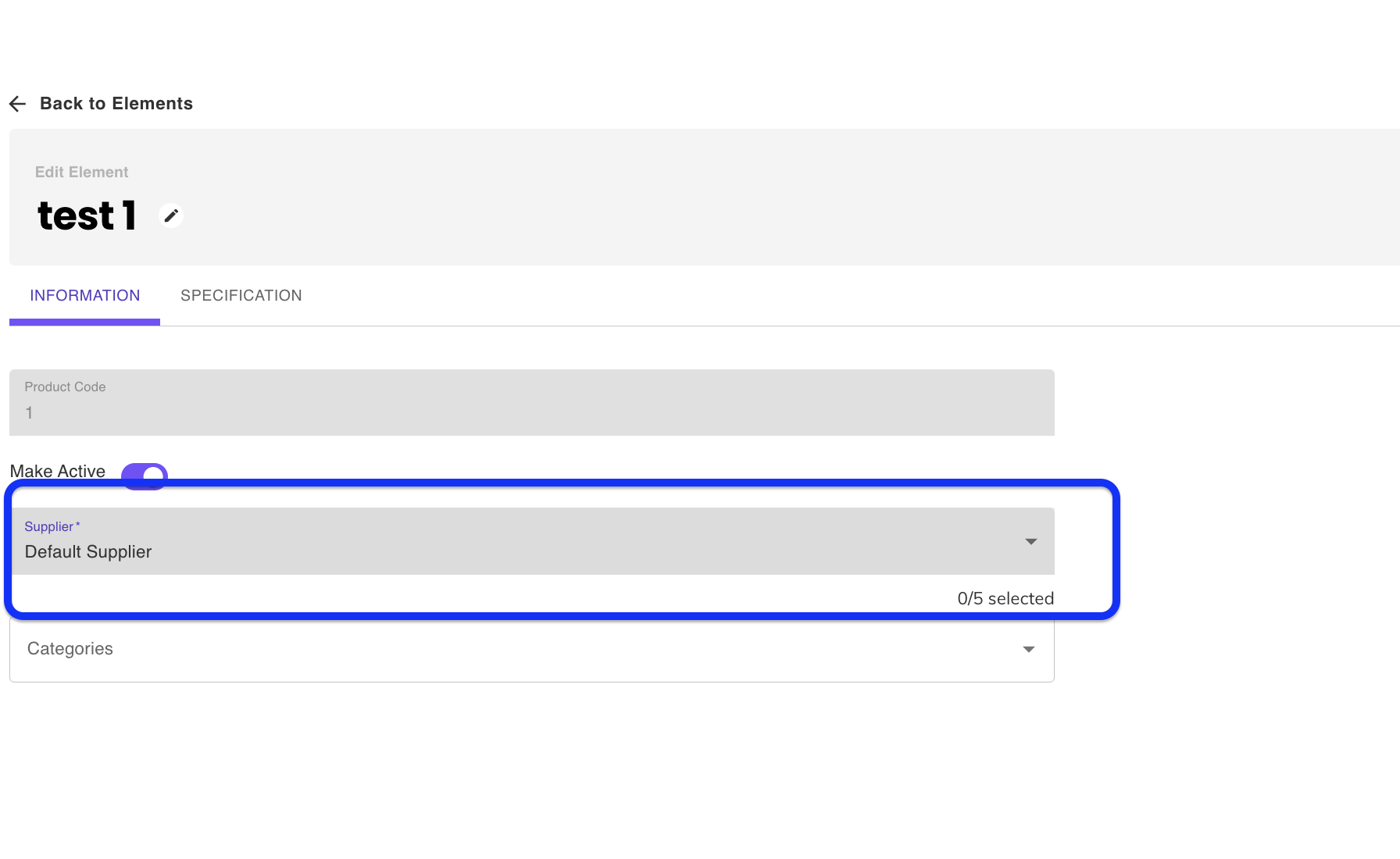
- Click the dropdown menu and choose your supplier
Was this article helpful?
That’s Great!
Thank you for your feedback
Sorry! We couldn't be helpful
Thank you for your feedback
Feedback sent
We appreciate your effort and will try to fix the article