Introduction
We’ve updated the login process for Admin Users who have access to multiple sites.
The key change is that after entering your login details, you will now be asked to select a site from a list before accessing the platform.
Who will use this feature?
All Colateral Admin Users with access to multiple sites.
Step-by-Step Guide
Access the Login Page
Go to the Colateral login URL provided by your organisation.
Enter Your Email Address
Type your registered email address into the login field.
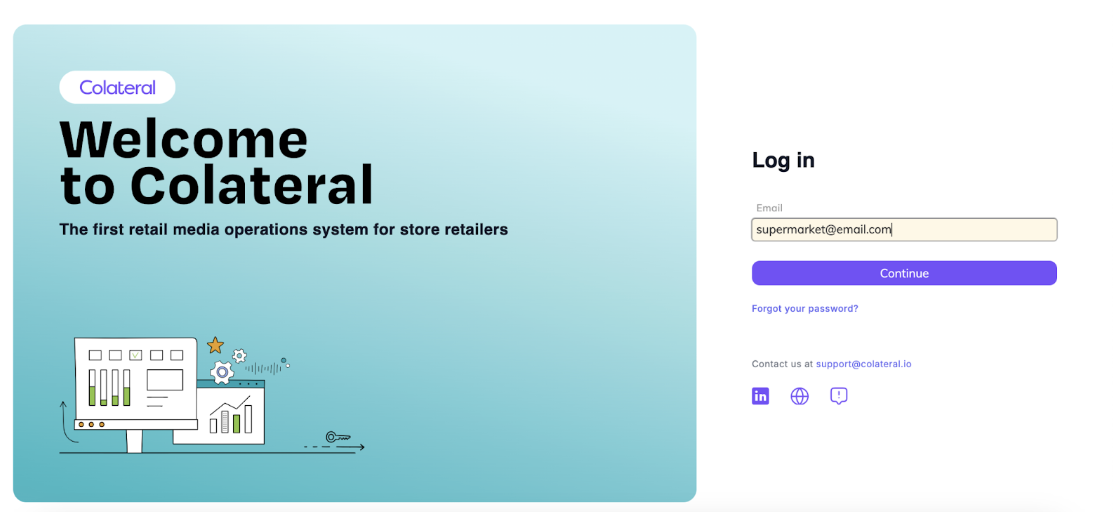
Click Continue.
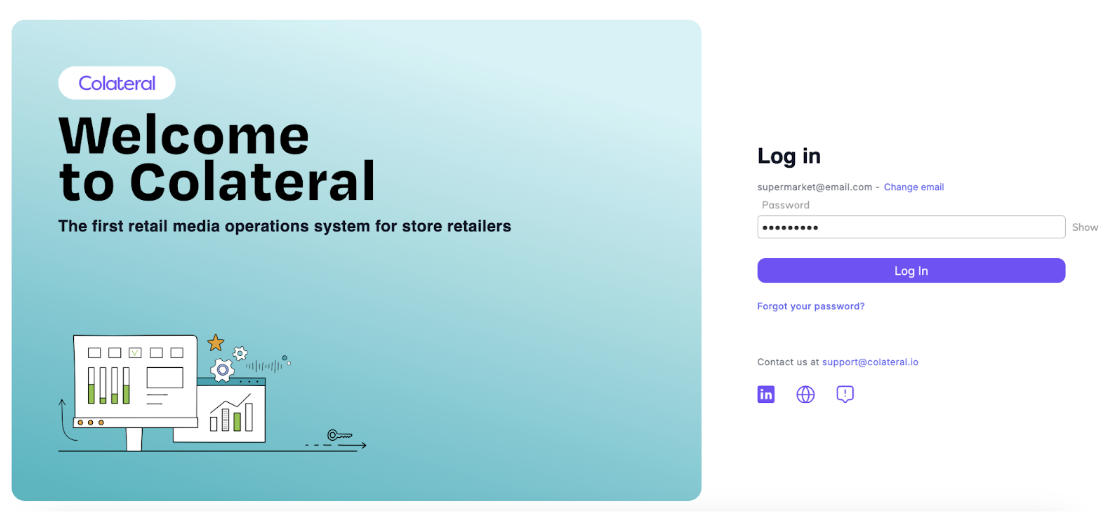
Enter Your Password
Once your email is confirmed, the password field will appear.
Enter your password.
Choose Your Site (New step)
If you have access to multiple sites, a list will appear.
Select the site you want to access.
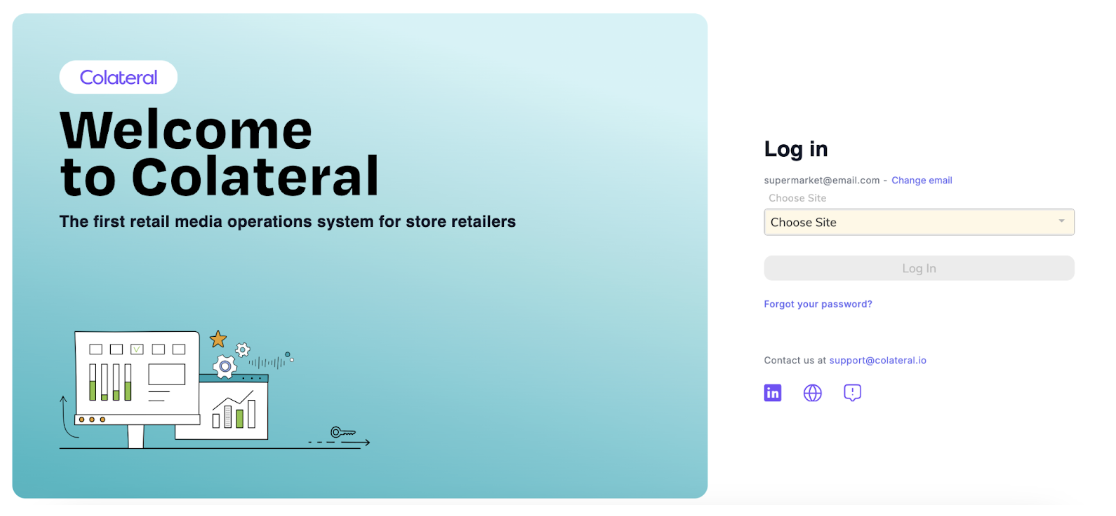
Select Login
Click Login to proceed.
Access the Home Page
You will be redirected to the main home page.
This part of the process remains unchanged – you will see the same familiar dashboard as before.
Was this article helpful?
That’s Great!
Thank you for your feedback
Sorry! We couldn't be helpful
Thank you for your feedback
Feedback sent
We appreciate your effort and will try to fix the article