Follow these steps to successfully create and name a new Artwork Brief in the Admin section of the platform.
Admin: Full Access
Super User: Edit Only
Basic User: View Only
Log in and navigate to Admin > Artwork Briefs.
Select Create new Artwork Brief in the top-right corner. A modal window will appear.
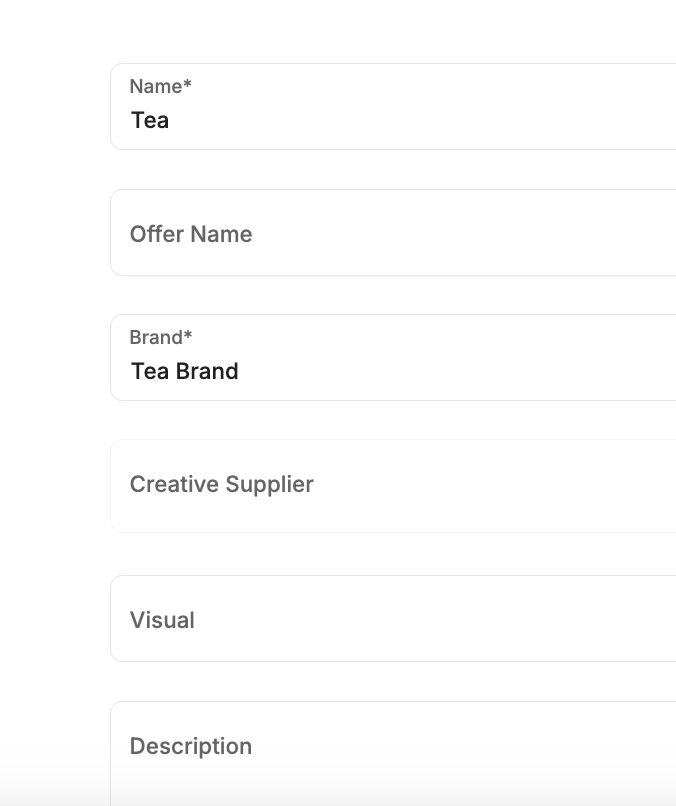
Enter the Name and Brand for the brief, then click Create.
On the new brief page, add the remaining details such as Offer Name, Creative Supplier, Attachments, Dates, and the Asset (which creates allocations for all locations).
Return to the Artwork Briefs list to verify your new brief appears at the top of the Active list.
Was this article helpful?
That’s Great!
Thank you for your feedback
Sorry! We couldn't be helpful
Thank you for your feedback
Feedback sent
We appreciate your effort and will try to fix the article