How to make basic edits on an Artwork Brief
Admin: Full Access
Super User: Edit Only
Basic User: View Only
Locate the brief in the Active list.
Click the brief name to open details, or click the three dots in the Action column and select Edit.
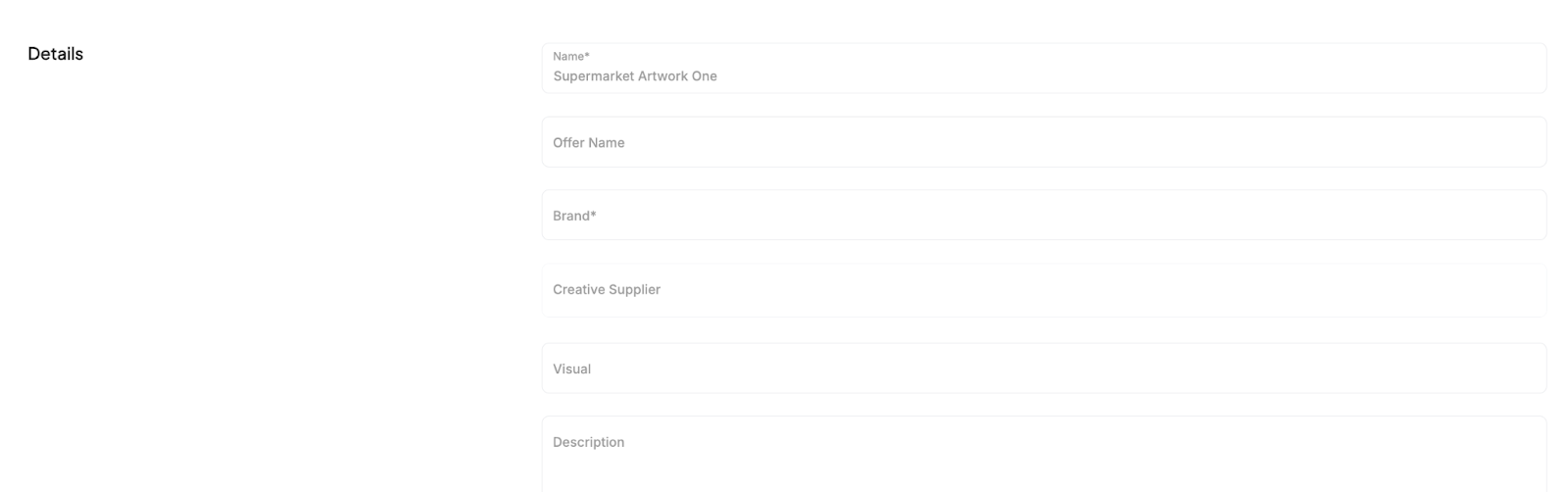
Make changes to fields like Name, Offer Name, Description, Live date, Expired date, Categories, or Approval Template.
Select Save at the bottom of the page.
Was this article helpful?
That’s Great!
Thank you for your feedback
Sorry! We couldn't be helpful
Thank you for your feedback
Feedback sent
We appreciate your effort and will try to fix the article