How to change the status of an Artwork Brief
Admin: Full Access
Super User: Edit Only
Basic User: View Only
Locate the brief in the Active list.
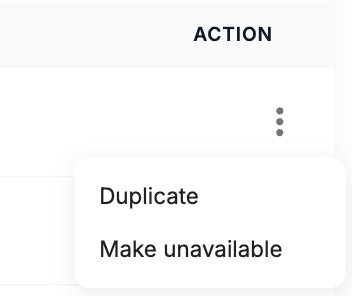
Click the three dots in the Action column.
Select Make unavailable.
The Status field updates to UNAVAILABLE immediately.
If Artwork Brief is used in Campaign items, this will now be shown as cancelled
Was this article helpful?
That’s Great!
Thank you for your feedback
Sorry! We couldn't be helpful
Thank you for your feedback
Feedback sent
We appreciate your effort and will try to fix the article