This process allows you to link a Supplier to an Element, ensuring manufacturing and sourcing information is accurately tracked within the system.
Admin: Full Access
Super User: Edit Only
Basic User: View Only
Group Manager: View Only
Assign a Supplier to an Element
Navigate to the Elements page.
Locate the Element you want to update from the Active list.
Open the Element details:
Click the Element Name to enter the edit view.
Identify the Supplier field:
Assign the Supplier:
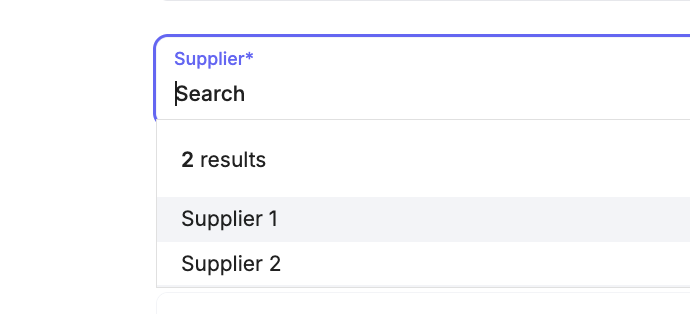
Click into the Supplier search bar to activate the dropdown.
Type the Supplier name or select one from the list (for example, Supplier 1).
Scroll to the bottom of the page and save your changes
Outcome
A confirmation message “Element updated” will appear at the bottom of the screen, and the Supplier will now be linked to the selected Element.
Was this article helpful?
That’s Great!
Thank you for your feedback
Sorry! We couldn't be helpful
Thank you for your feedback
Feedback sent
We appreciate your effort and will try to fix the article