This guide explains how to edit, organise, and archive Elements within the Element Library. Managing Elements ensures that physical specifications remain accurate and that outdated items are removed from active use.
Admin: Full Access
Super User: Edit Only
Basic User: View Only
Group Manager: View Only
Editing Elements
To update an existing Element:
Navigate to Elements from the main sidebar
Select the Element you want to edit from the list
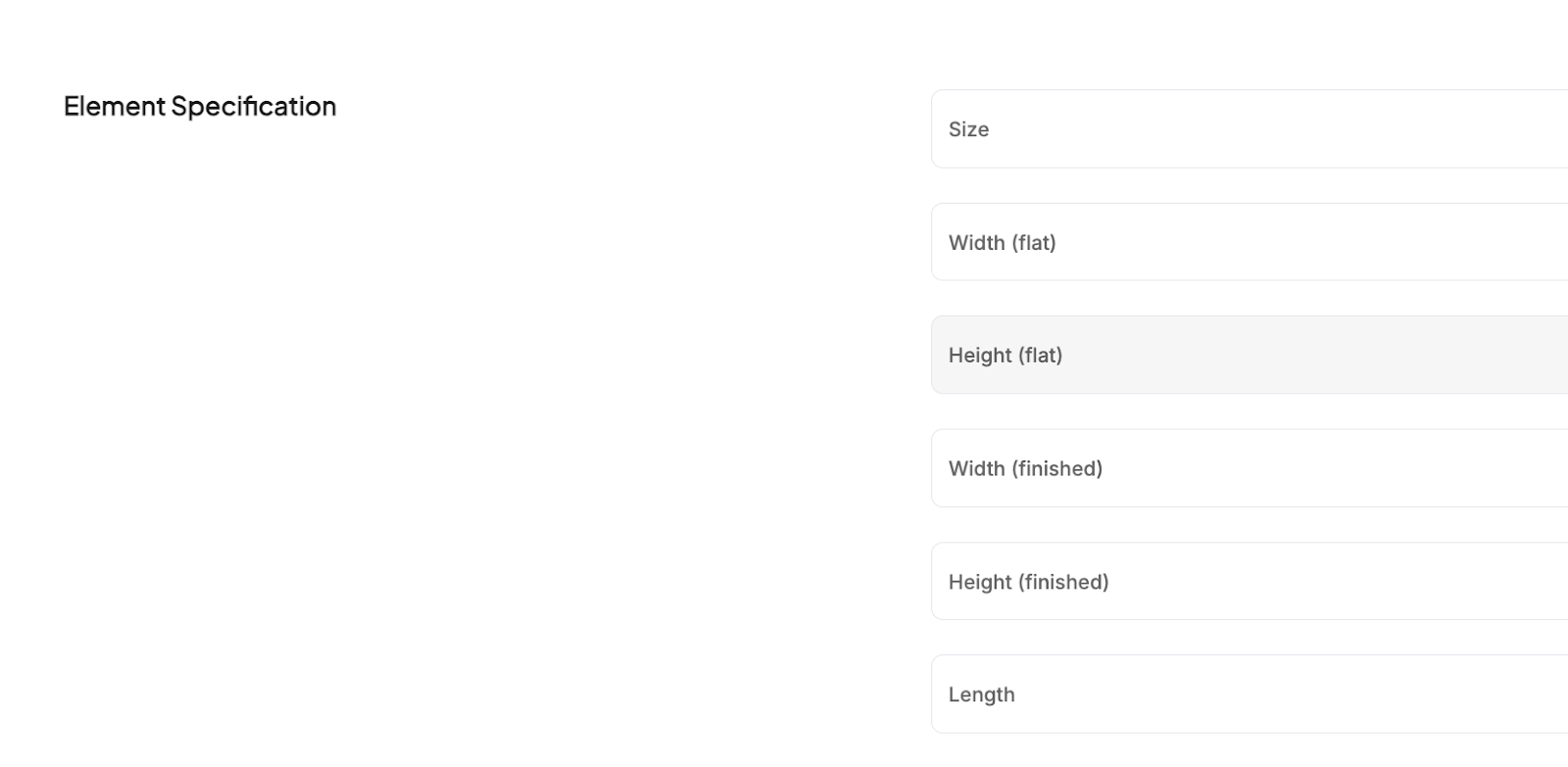
Update any fields, such as: Size, Width, Height, Length
Save all changes
Archiving Elements
Archive Elements that are no longer required to keep the library clean.
From the Elements list, select one or more Elements using the checkboxes
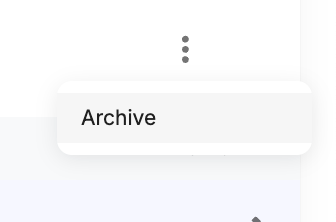
Click Archive from the 3 dots
Archived Elements are removed from active use but retained for reference
To view archived items:
Open the Archived Elements tab at the top of the Elements dashboard
Managing the Element Library
Search: Find Elements by name or product code
Sort: Order results by Last added, Last edited, or Alphabetical (A–Z / Z–A)
Bulk Actions: Use More actions to download an Elements CSV or upload a CSV for bulk updates
Was this article helpful?
That’s Great!
Thank you for your feedback
Sorry! We couldn't be helpful
Thank you for your feedback
Feedback sent
We appreciate your effort and will try to fix the article