Complex bookings can be created when a user has more than one search criteria they want to manage in on booking form e.g. when creating a booking form to sell a package of assets.
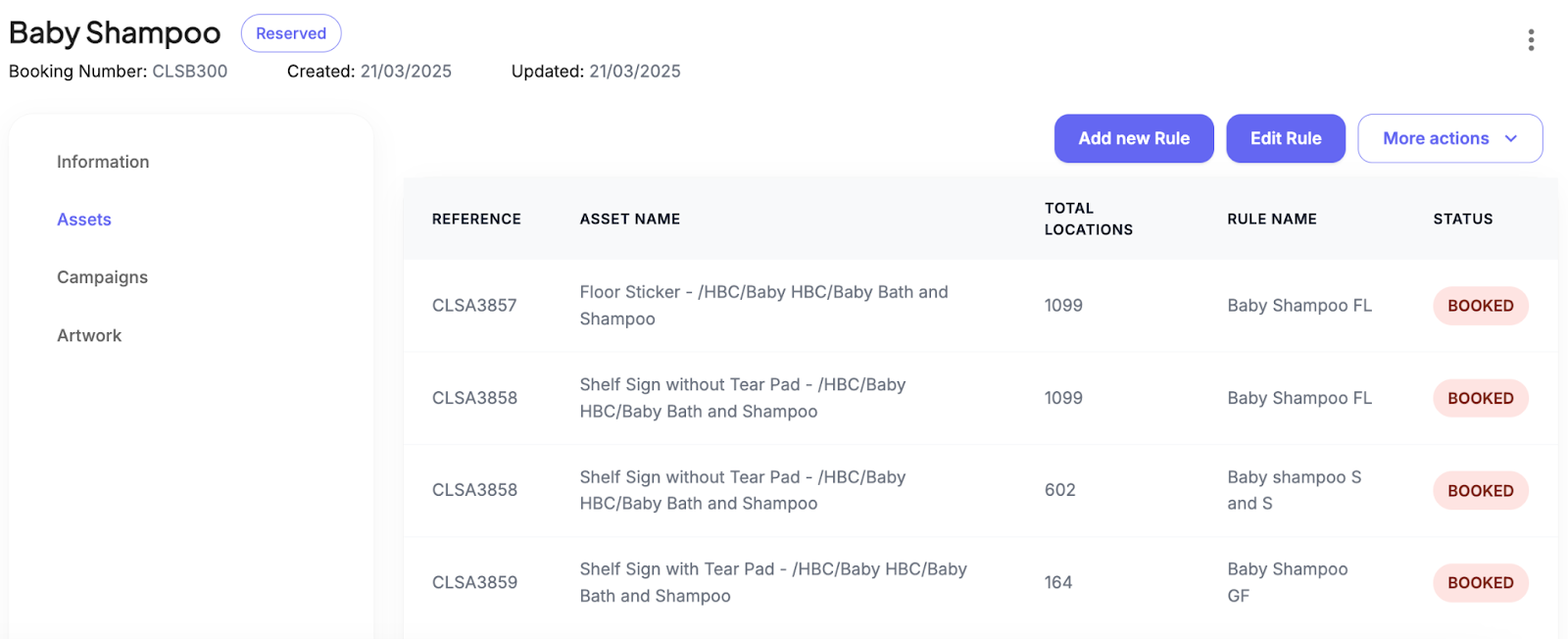
Booking forms can have multiple searches within them and these can be distinguished by their Rule Name.
Creating Complex Bookings
1. Navigate to Asset availability by clicking Campaigns and selecting Asset Availability
2. Click Add trading period and select your trading period for your first search
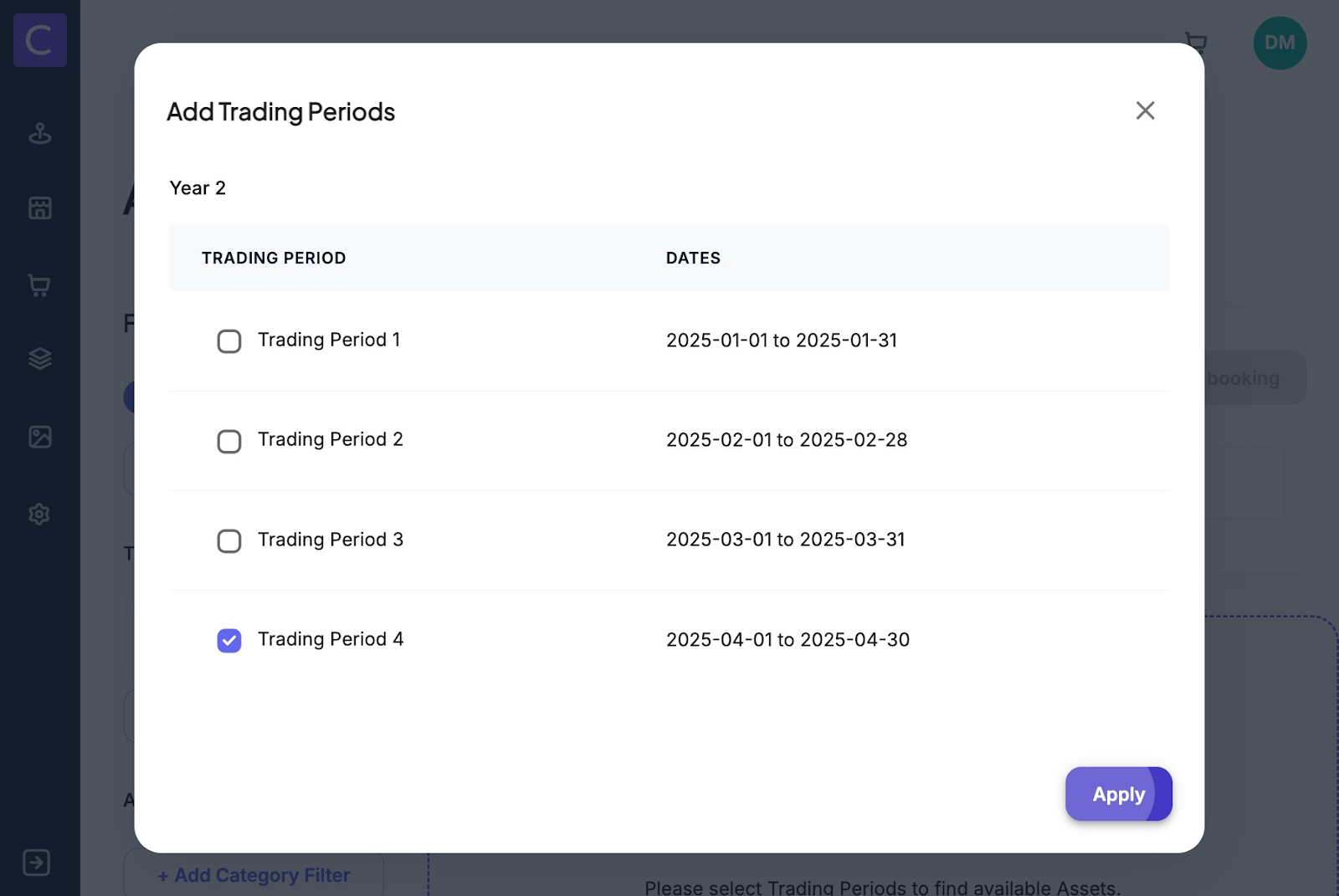
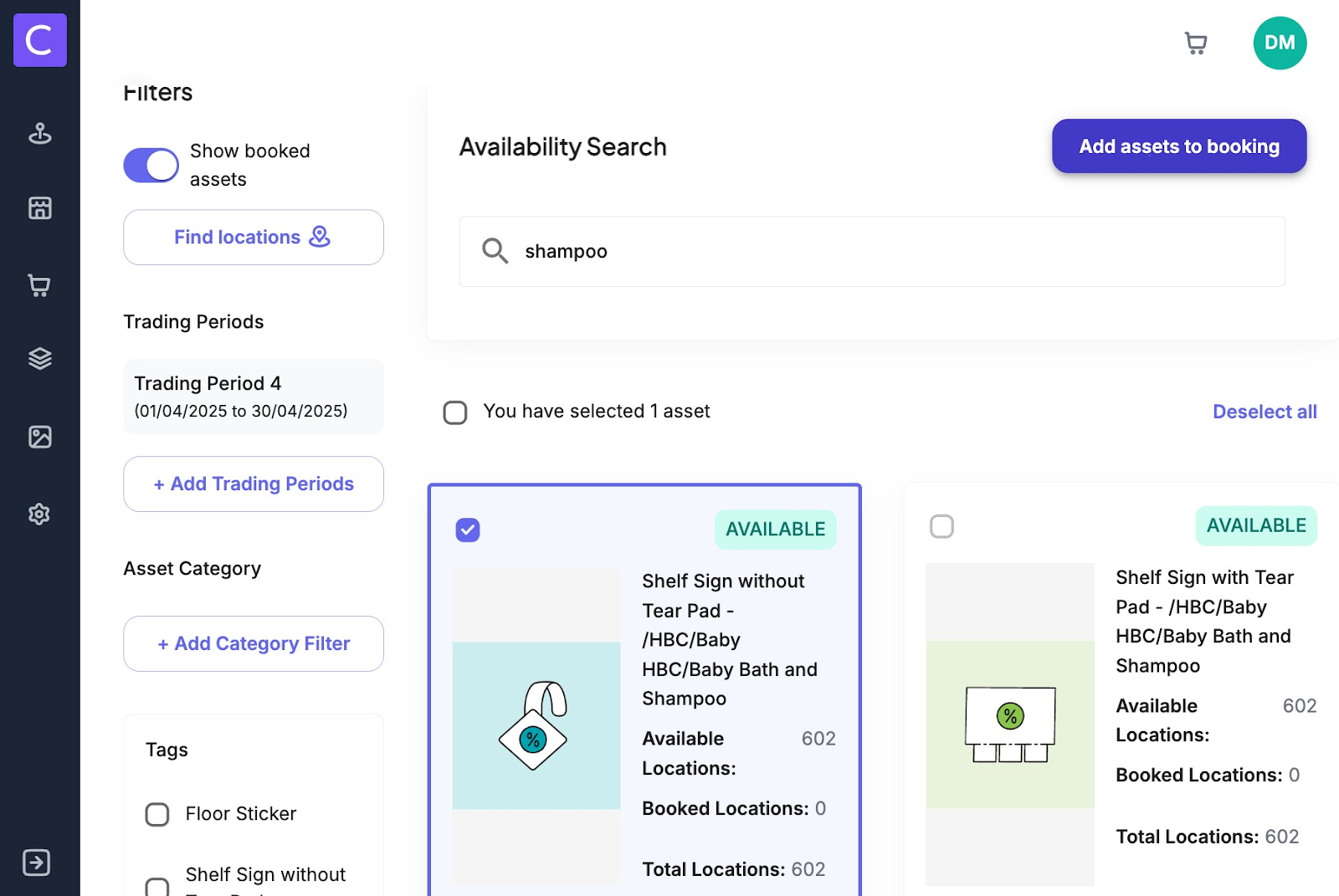
3. Apply any locations and category filters you want to surface the assets you are looking for and select the asset you want to book and click Add asset to booking. (For details on using asset availability see the following article https://colateral.freshdesk.com/support/solutions/articles/33000292521-search-on-asset-availability )
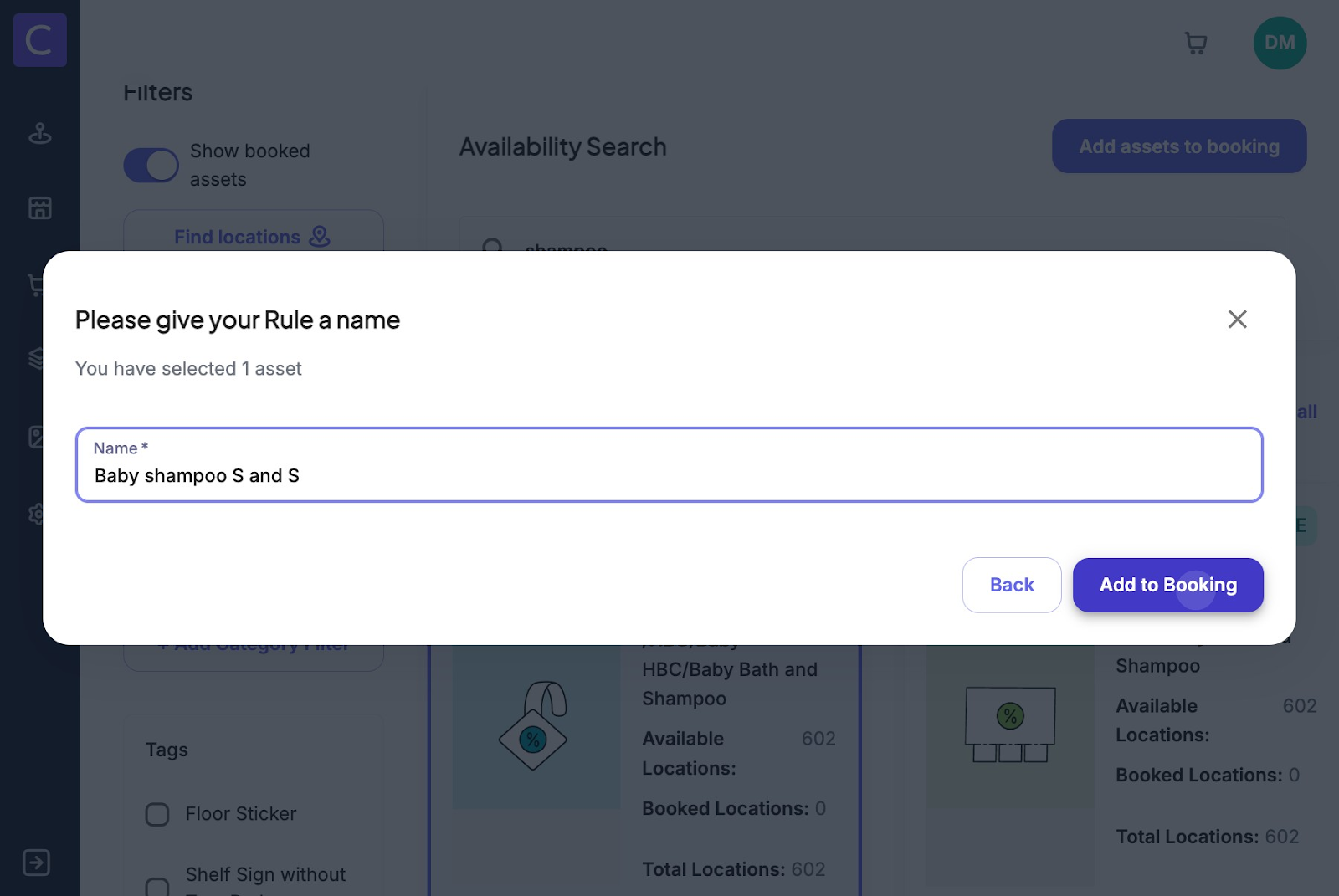
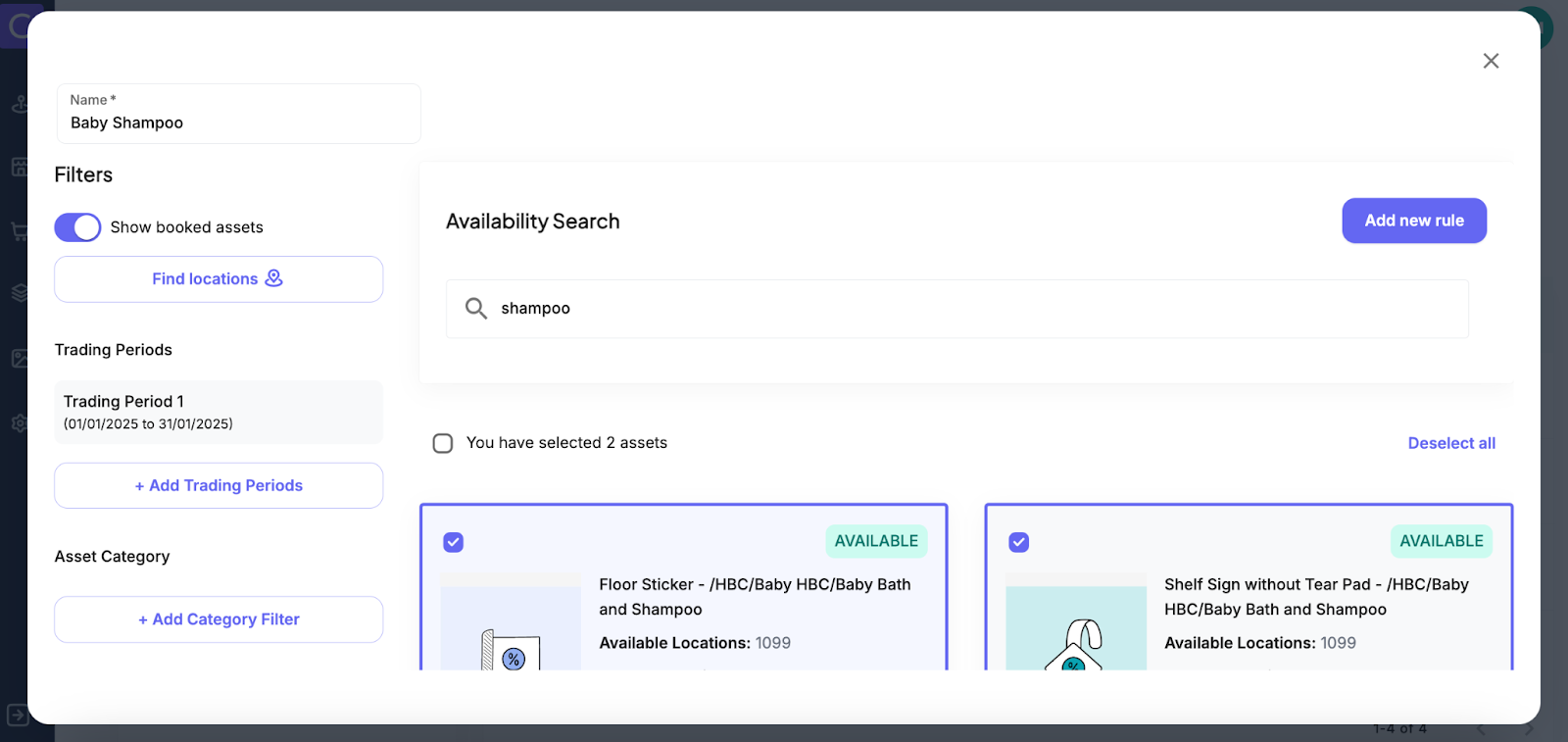
4. Users will be asked to name their search Rule and then click Add to Booking
5. When adding to a booking User will be given the choice to create a new booking or to add to an existing booking
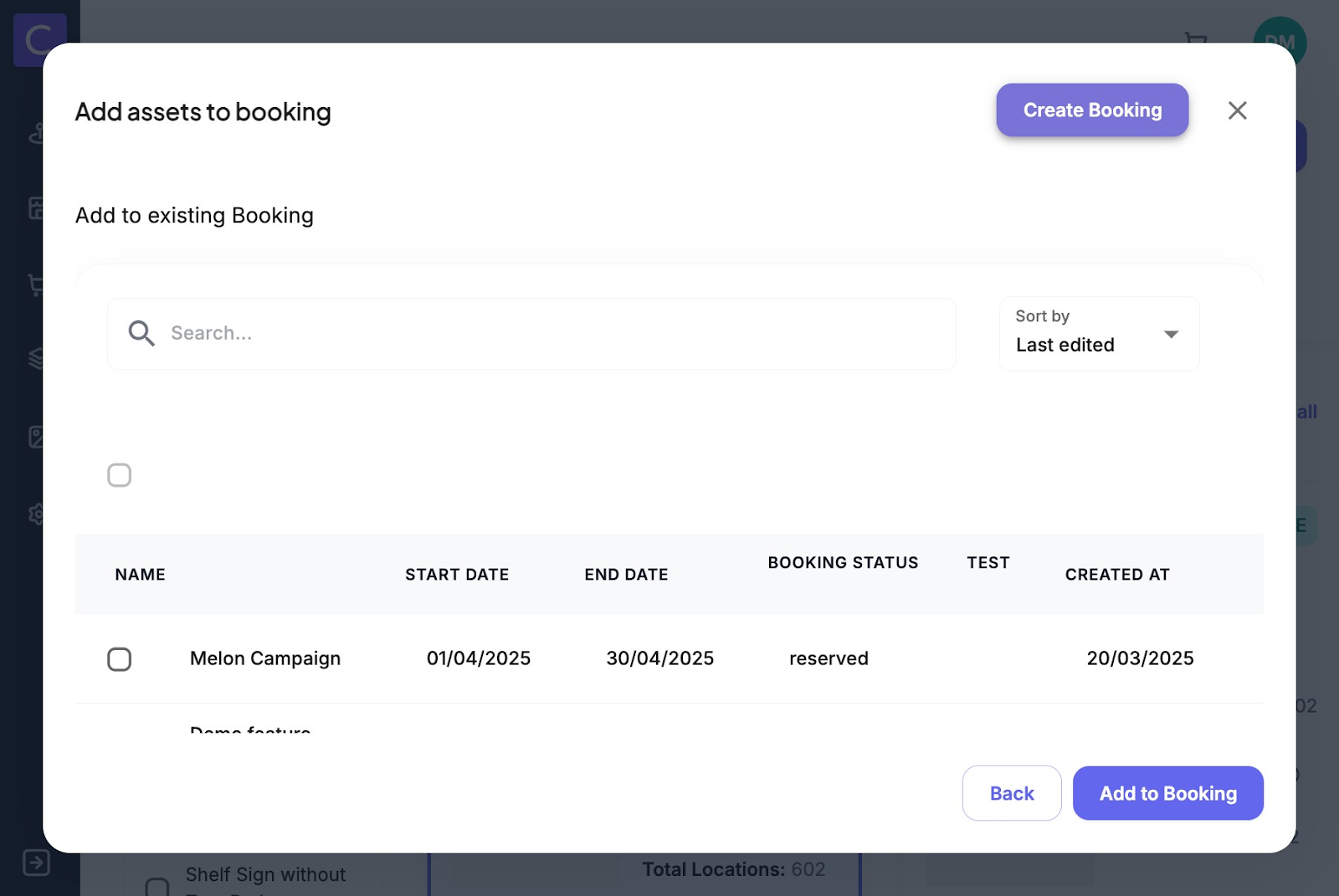
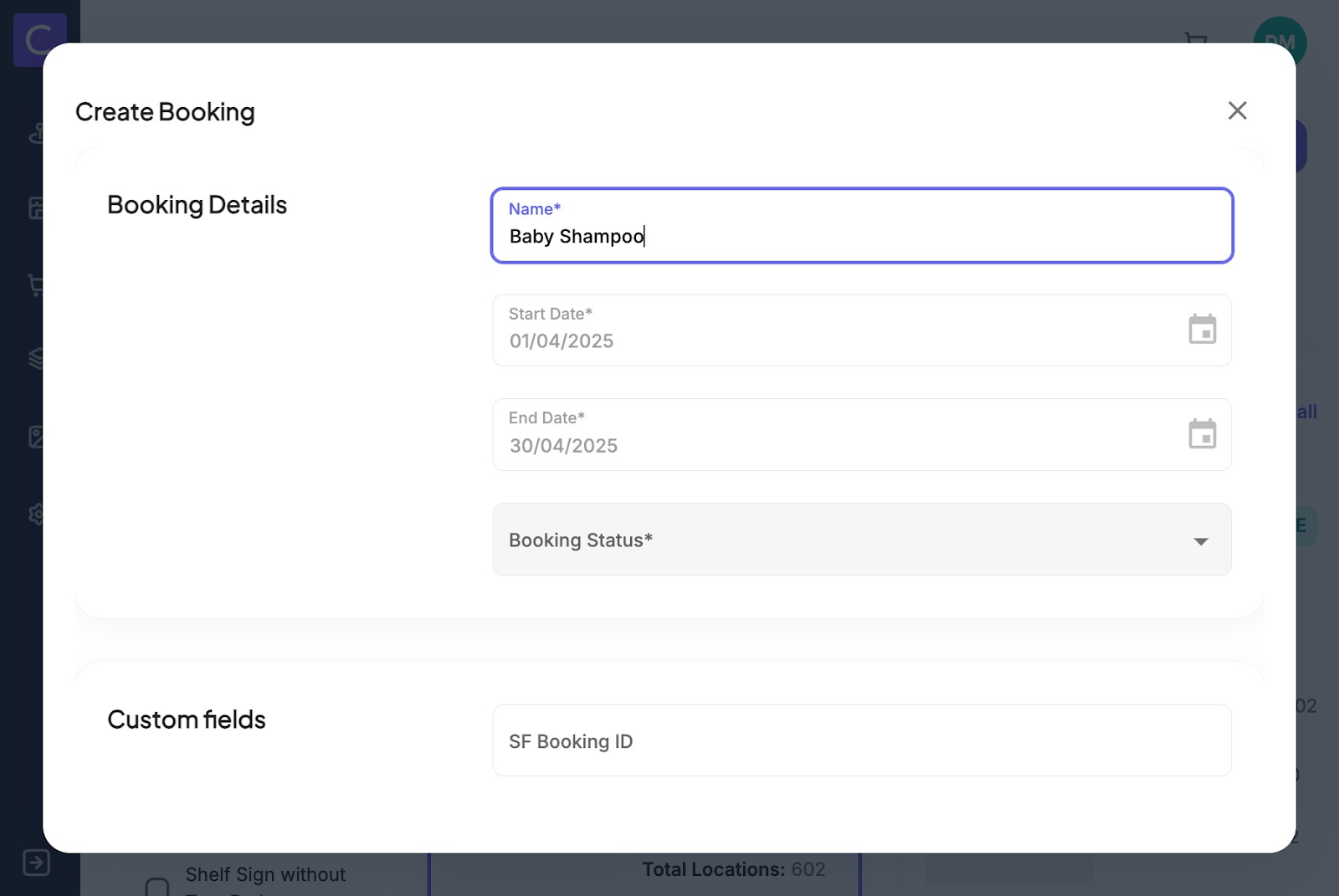
6. If the user chooses to create a new booking they will be taken to the booking creation screen where they can fill out the booking from before saving the new booking
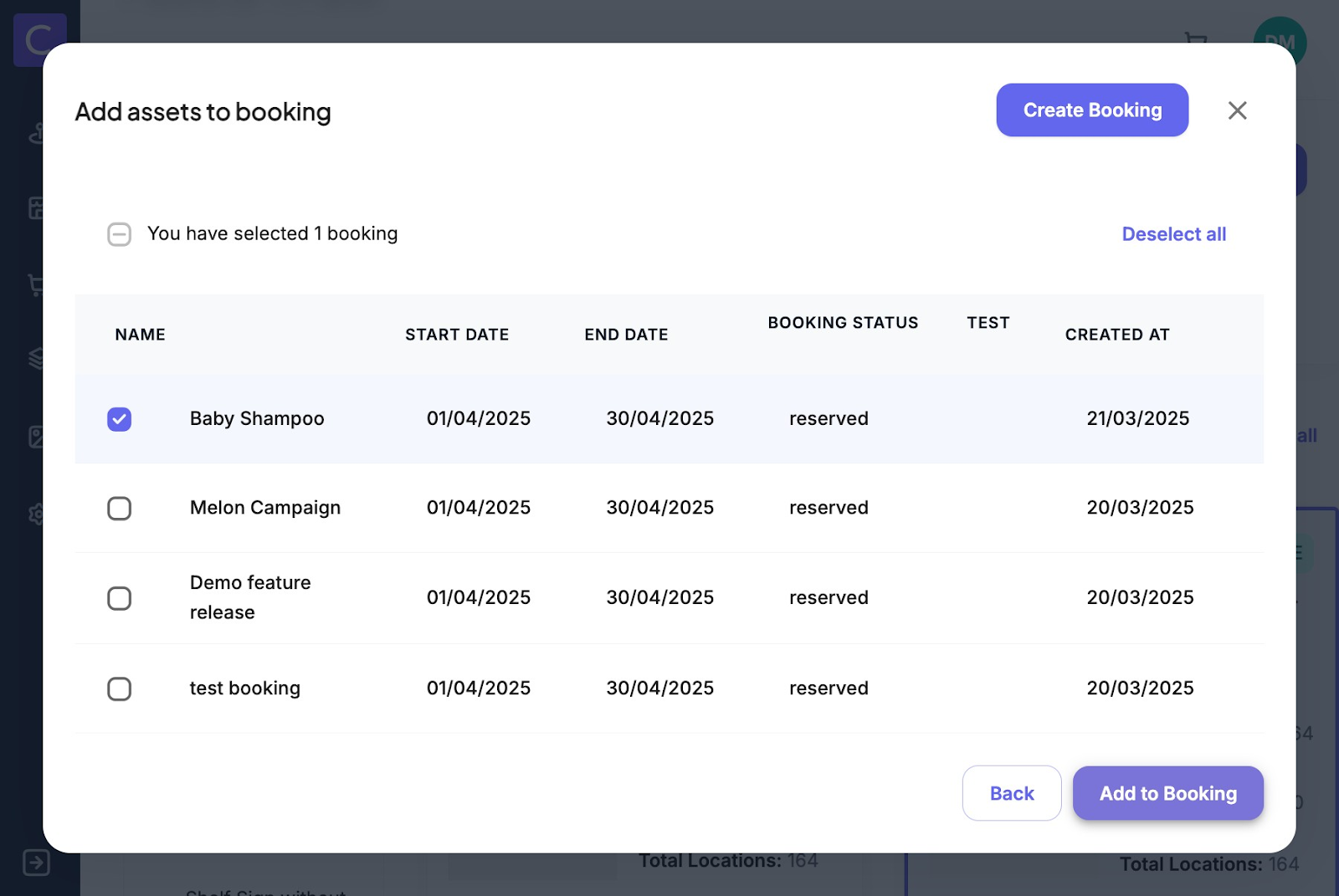
7. If the user chooses to add to an existing booking they simply find the booking form they want to add the rule to and click add to booking
8. When in the booking form you can see all the rules you have saved in your booking by navigating to the assets tab of the booking form
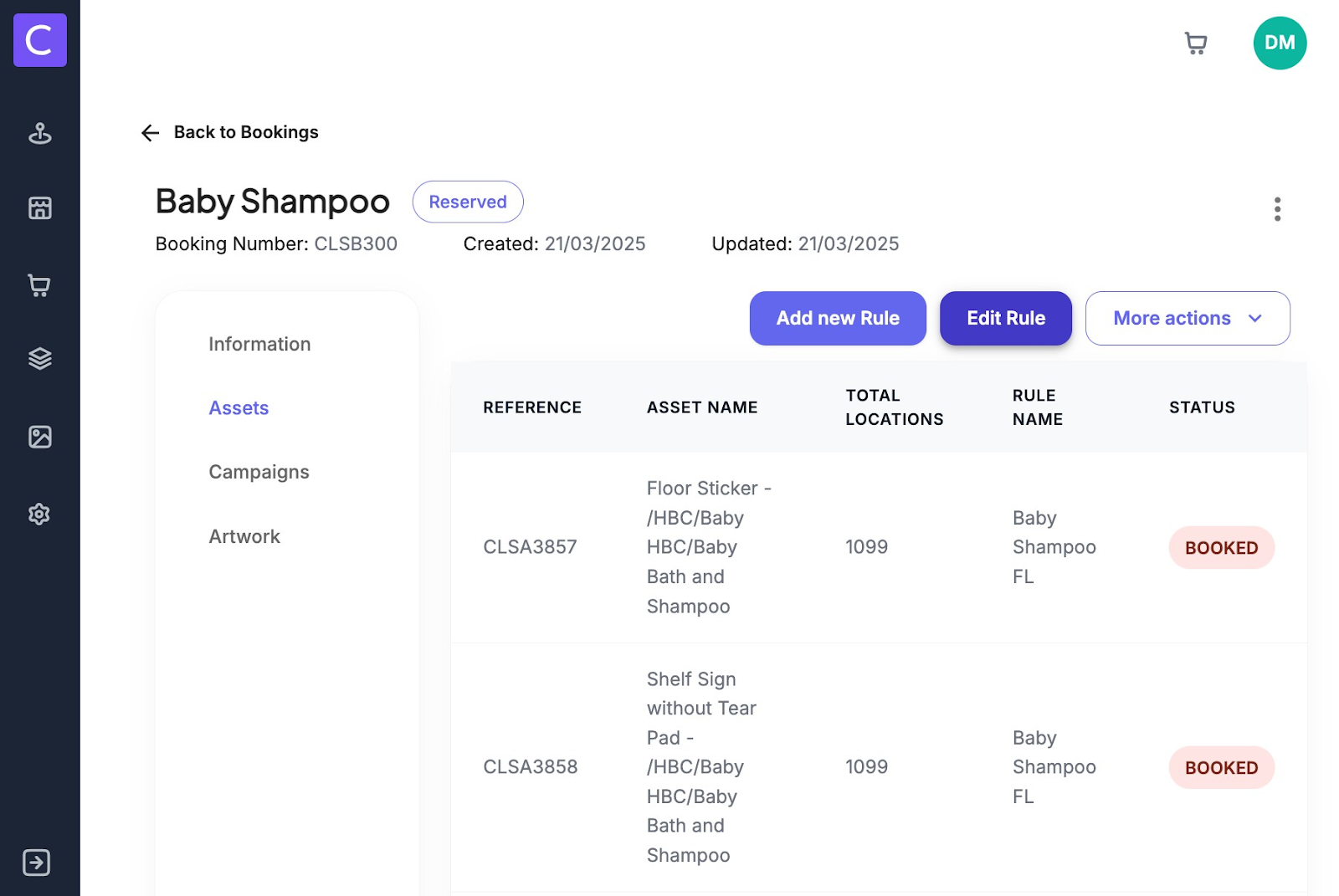
9.Users can also add a new rule to their booking from within the booking form by navigating to the assets tab of the booking form and clicking add new rule this will take you to the asset finder modal, where you apply your search criteria select your asset and name you rule all in one screen before clicking add new rule.
Was this article helpful?
That’s Great!
Thank you for your feedback
Sorry! We couldn't be helpful
Thank you for your feedback
Feedback sent
We appreciate your effort and will try to fix the article