Assets are used to define and manage the physical spaces or “things” in each location where items can be allocated.
Admin: Full Access
Super User: Edit Only
Basic User: View Only
They represent the quantity and type of display areas available at a location, ensuring the system knows what can be placed where during a campaign.
You can create, edit, and manage Assets across all locations in your database.
Assets may also be known as Fixtures & Fittings, Inserts, or Spaces, depending on your organisation.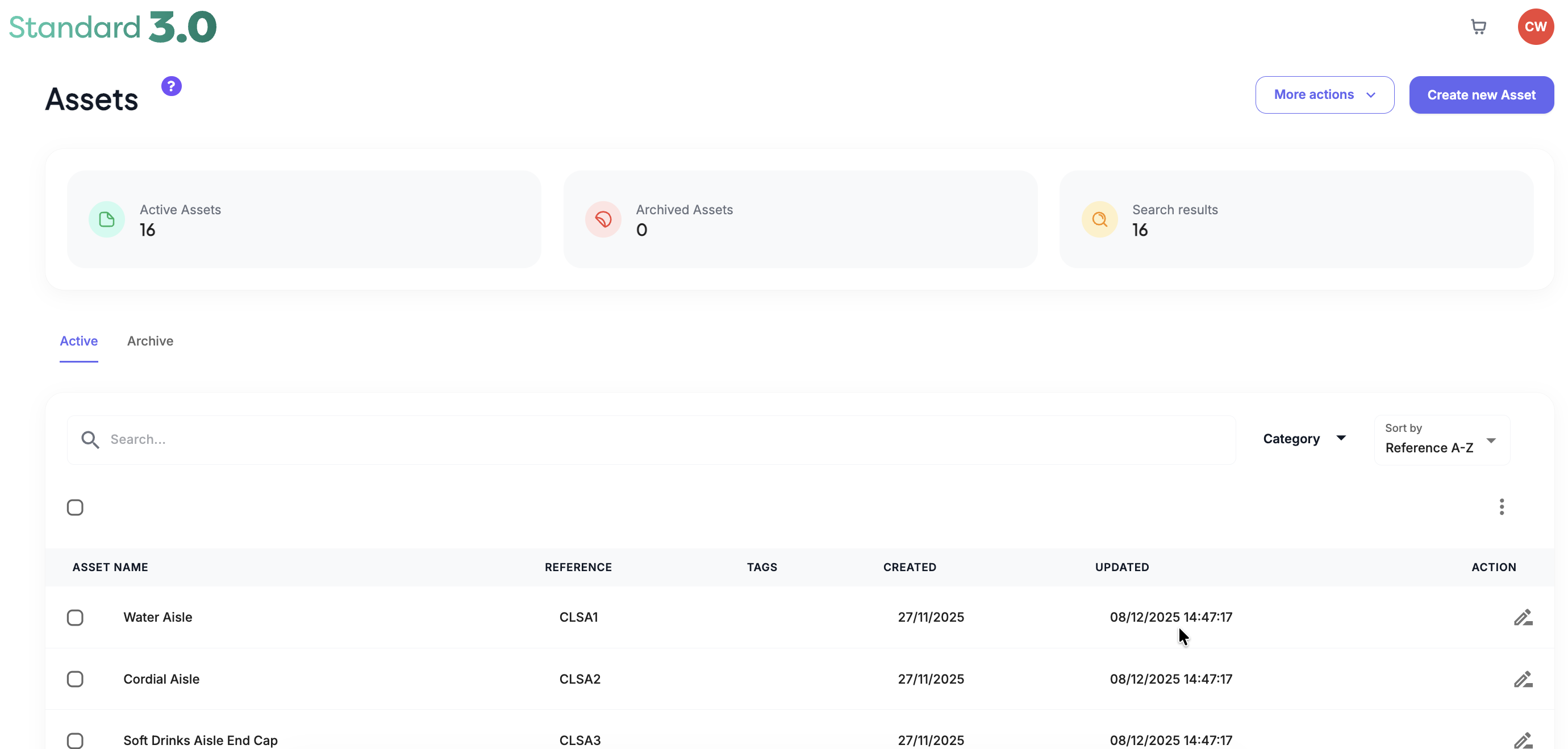
Common examples include:
Doors
Windows frames
Poster Slots
Changing Rooms
Till Areas
Bar Areas
Aisle Fins
Assets work alongside Artwork Briefs and Elements to drive accurate allocations across all locations.
Was this article helpful?
That’s Great!
Thank you for your feedback
Sorry! We couldn't be helpful
Thank you for your feedback
Feedback sent
We appreciate your effort and will try to fix the article