Instructions on how to create a new Asset and fill in the basic required information.
Admin: Full Access
Super User: Edit Only
Basic User: View Only
Log in and navigate to Admin > Assets.
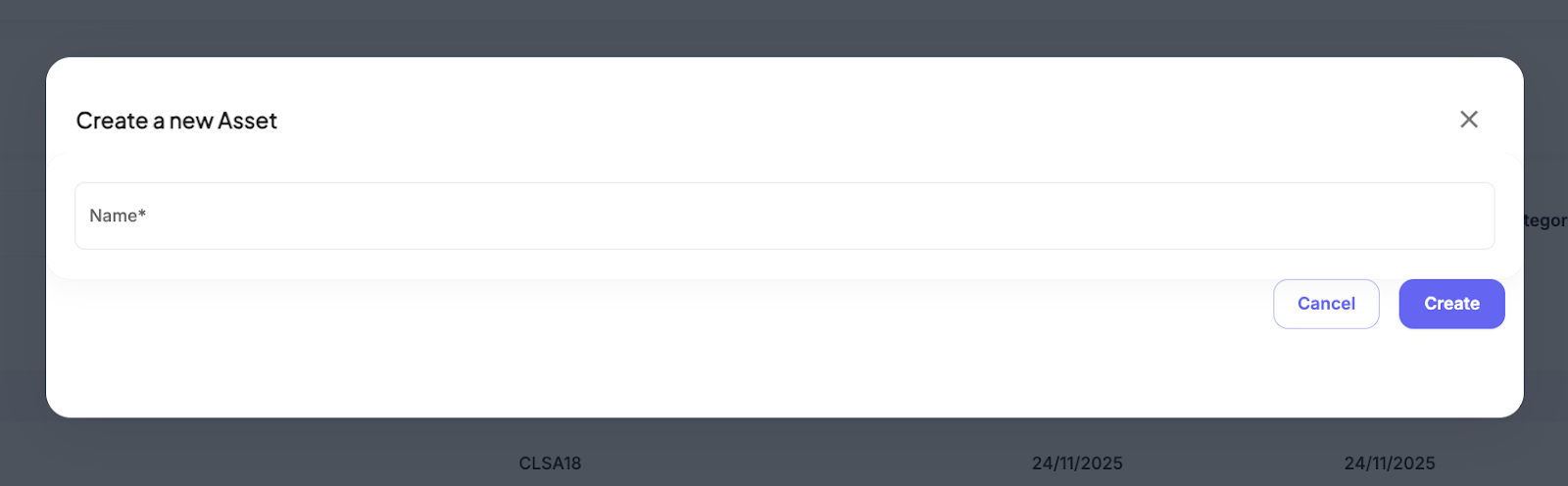
Select Create new Asset in the top-right corner. A modal window will appear.
Enter the Name for the Asset (e.g., Digital Screen Above The Till).
Select Create.
On the new Asset page, complete the remaining details such as Size (Height, Width, Depth), Description, and Notes.
Scroll down and select Save.
Was this article helpful?
That’s Great!
Thank you for your feedback
Sorry! We couldn't be helpful
Thank you for your feedback
Feedback sent
We appreciate your effort and will try to fix the article