Admins can easily extract Overview Data, Briefs, and Creative Assets directly from the platform. These assets can be grabbed in bulk or per job context.
Export Type
Campaign Level
Where to Find It?
- Top-right of the main Artworking dashboard tab.
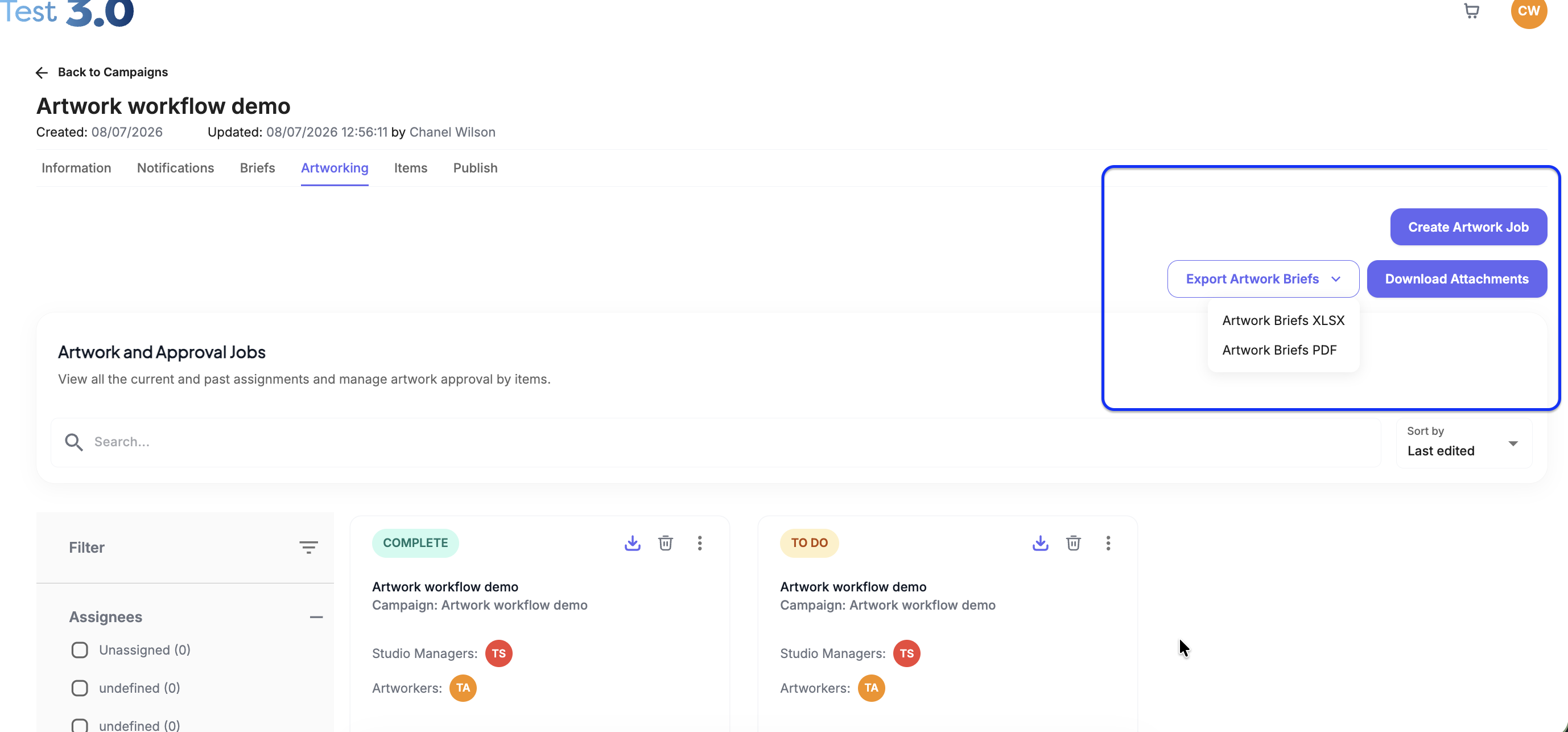
What it contains
- Export Artwork Briefs (XLSX/PDF)
- Download Attachments for all jobs inside the campaign.
Export Type
Job-Specific Exports
Where to Find It?
- The 3-dot options menu on a job card
- The top-right menu inside a specific job view.
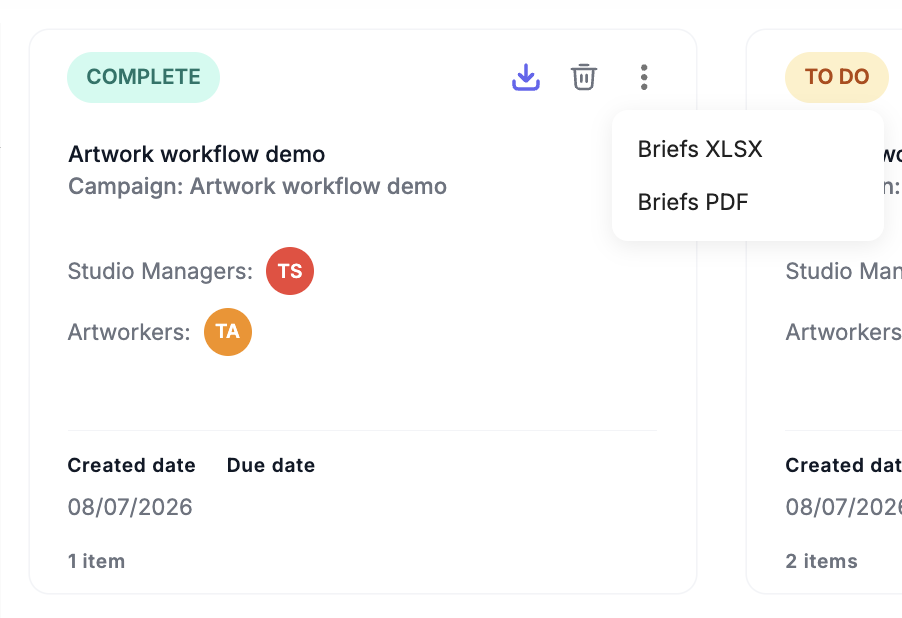 The top-right menu inside a specific job view.
Was this article helpful?
That’s Great!
Thank you for your feedback
Sorry! We couldn't be helpful
Thank you for your feedback
Feedback sent
We appreciate your effort and will try to fix the article