When assigning Tags to your Asset, this helps with organising and filtering Assets across the system.
Note: Inventory Categories are different to Asset Tags
Admin: Full Access
Super User: Edit Only
Basic User: View Only
Navigate to Admin > Assets,
Select the Asset by clicking the pencil
Scroll down to the Tags section.
Click inside the space and create a new tag by typing in a new tag name (e.g., HangingPoster).
Or select the desired tag from the search results to assign
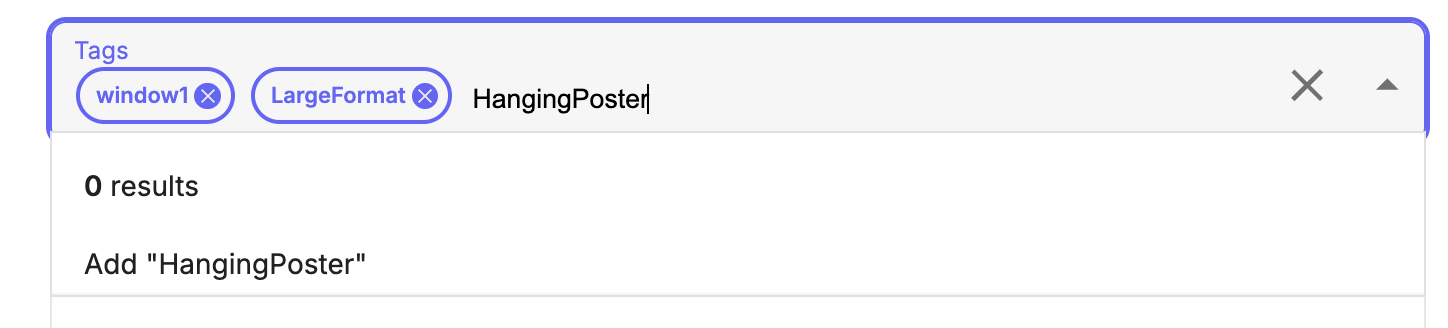
You can create and assign multiple tags.
Scroll to the bottom and select Save.
Was this article helpful?
That’s Great!
Thank you for your feedback
Sorry! We couldn't be helpful
Thank you for your feedback
Feedback sent
We appreciate your effort and will try to fix the article