1. Navigate to the main sidebar and select the Artwork and Approval icon
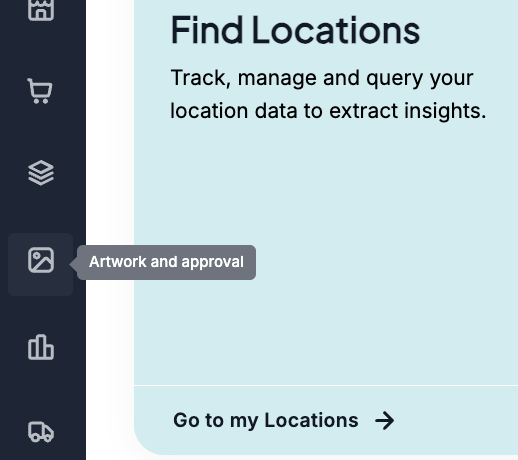
2. Once inside the workspace Use the left-hand filter drawer to drill down by:
Assignees, Status (New, To Do, In Progress, Complete, Declined)
Campaign Name
Due Dates.
3. Execute Bulk Macro Exports: Use the upper-right action buttons to drop down menus to: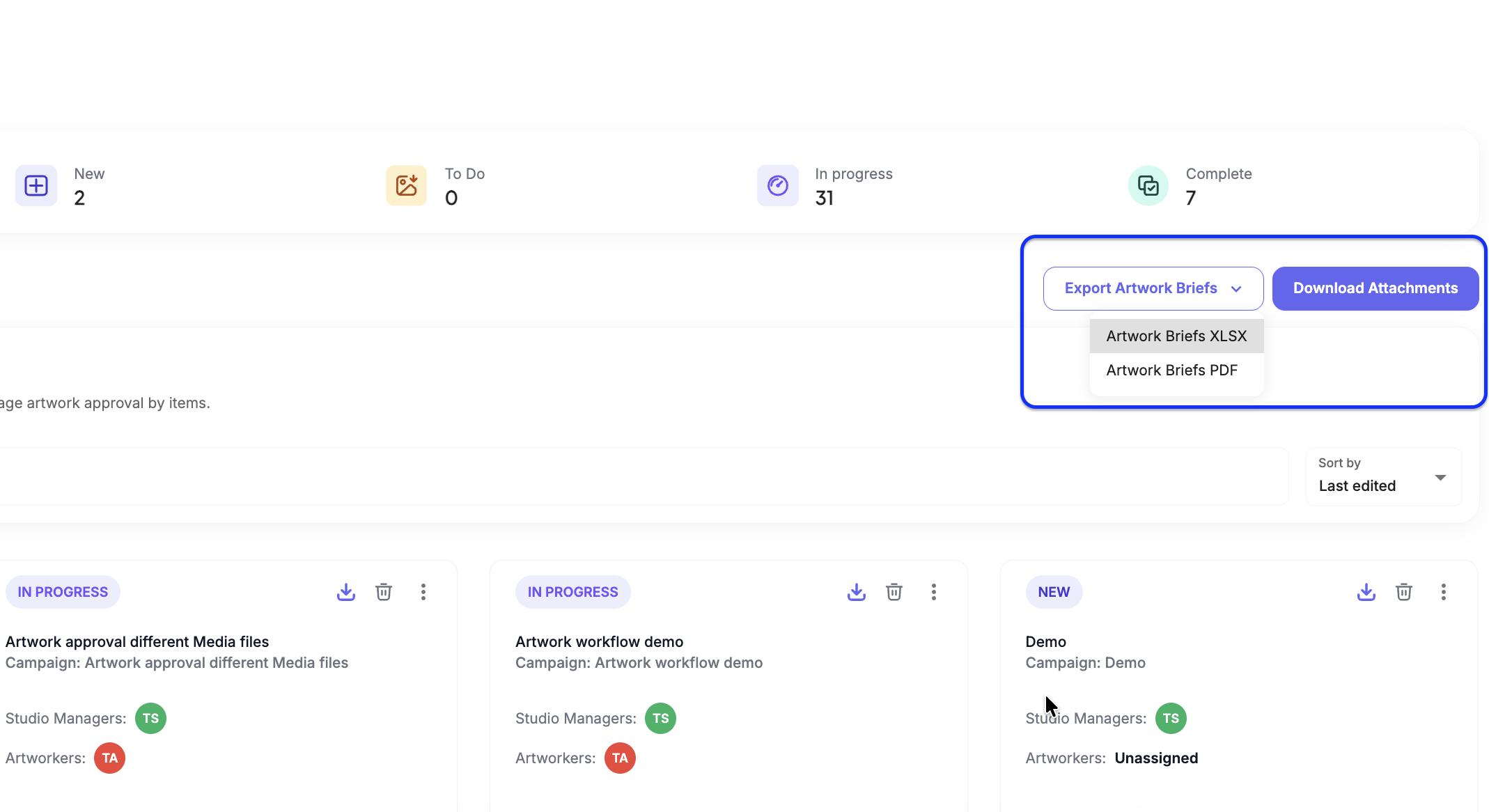
Export Artwork Briefs (XLSX or PDF)
Download Attachments to pull raw assets across multiple campaigns simultaneously.
4. Shift Status Columns Globally: Select the three dots (...) on new cards (ONLY) to open the status routing menu. Select to shuffle cards across column boards instantly: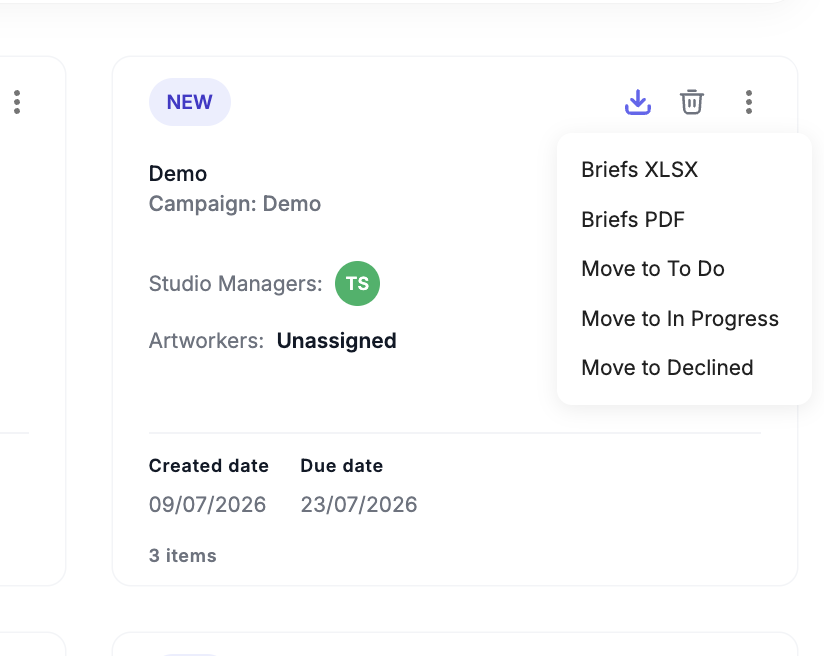
- Move to To Do
- Move to In Progress
- Move to Declined
Was this article helpful?
That’s Great!
Thank you for your feedback
Sorry! We couldn't be helpful
Thank you for your feedback
Feedback sent
We appreciate your effort and will try to fix the article