Admin: Full Access
Super User: Edit Only
Basic User: Create & Manage
1. Navigate to Campaign Builder and choose the campaign you want to work on.
2. Once inside a campaign select the artwork tab
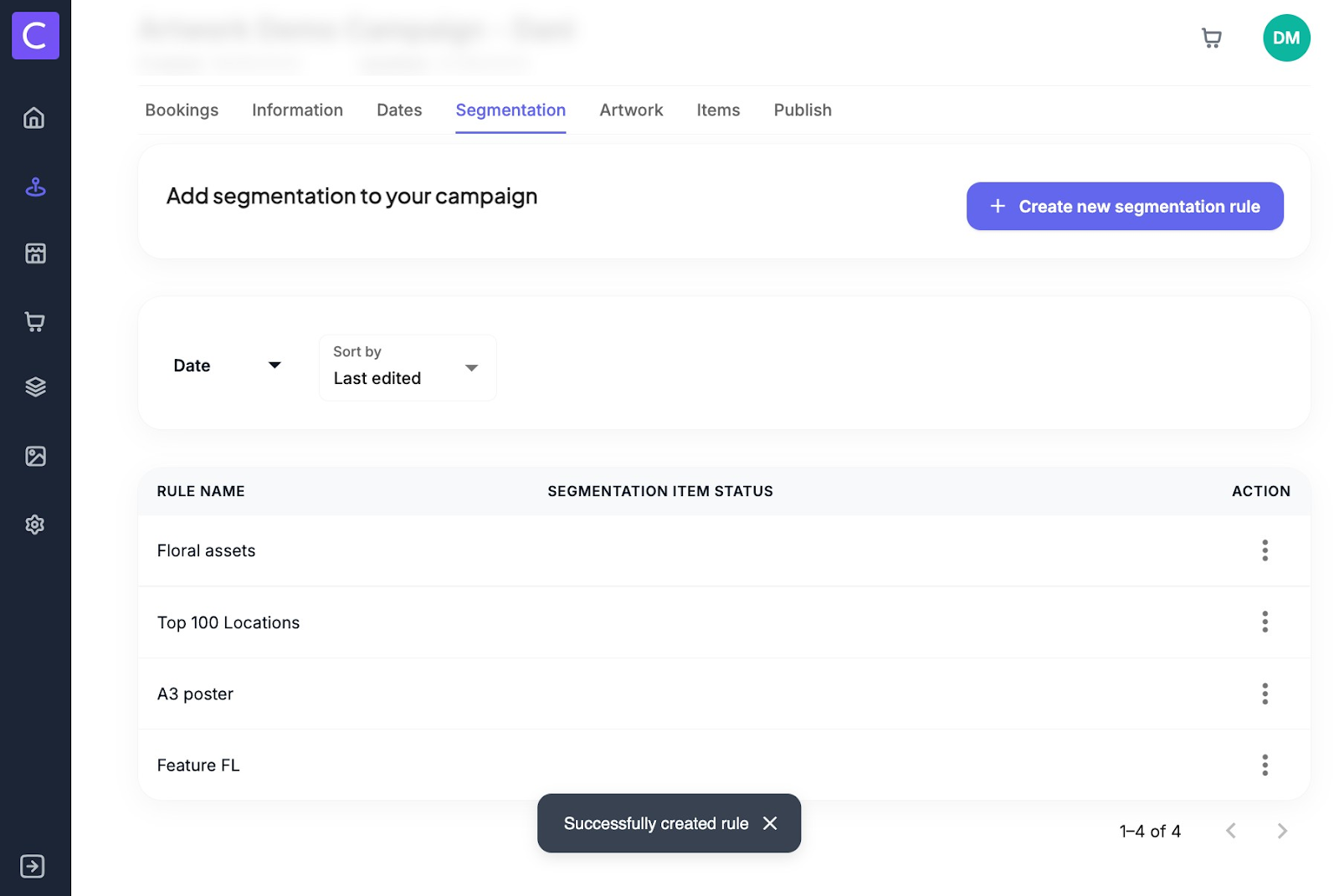
3. Once on the artwork tab click add briefs.
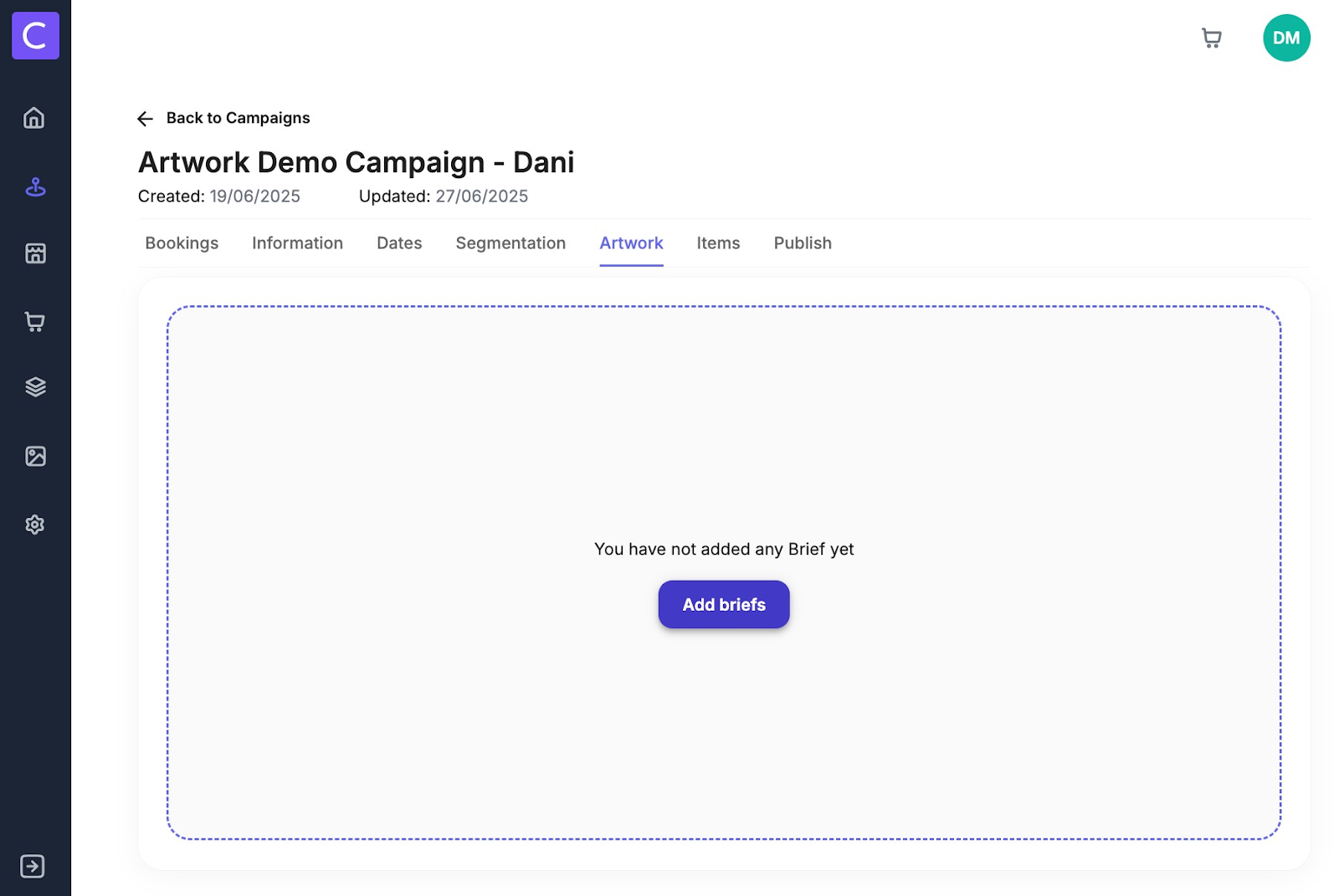
4. Here you will then have 2 options - select and add existing briefs
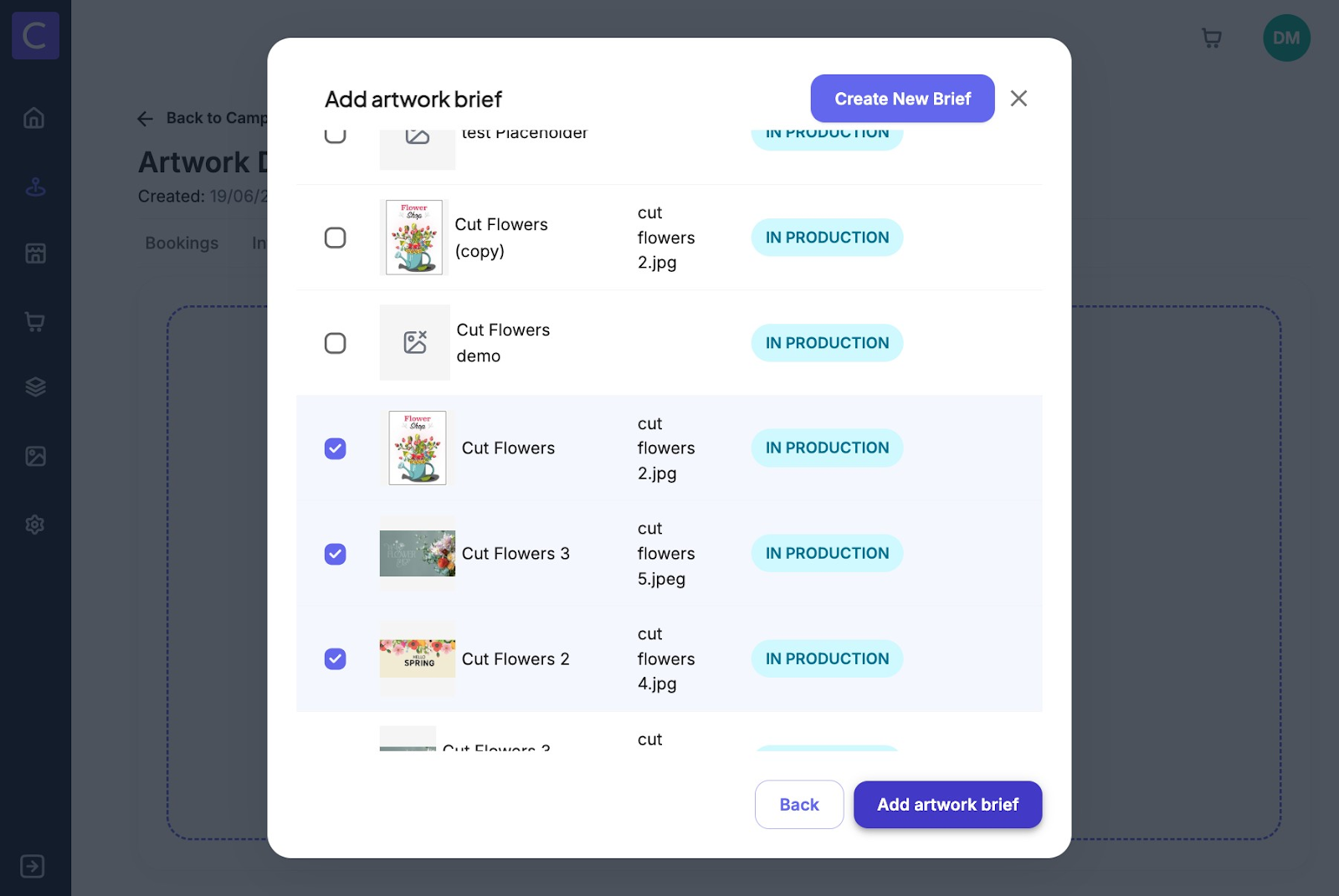
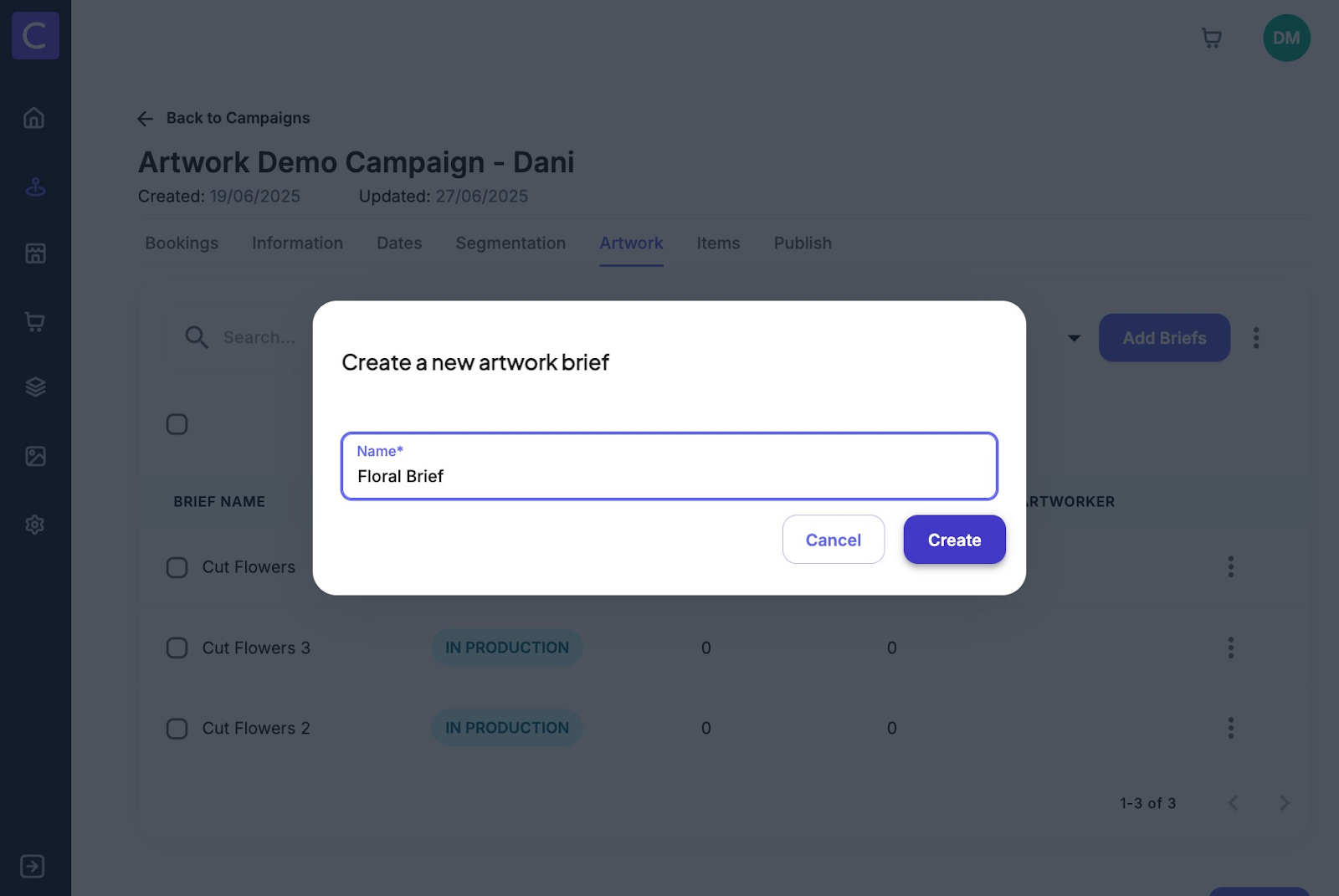
or create a new brief
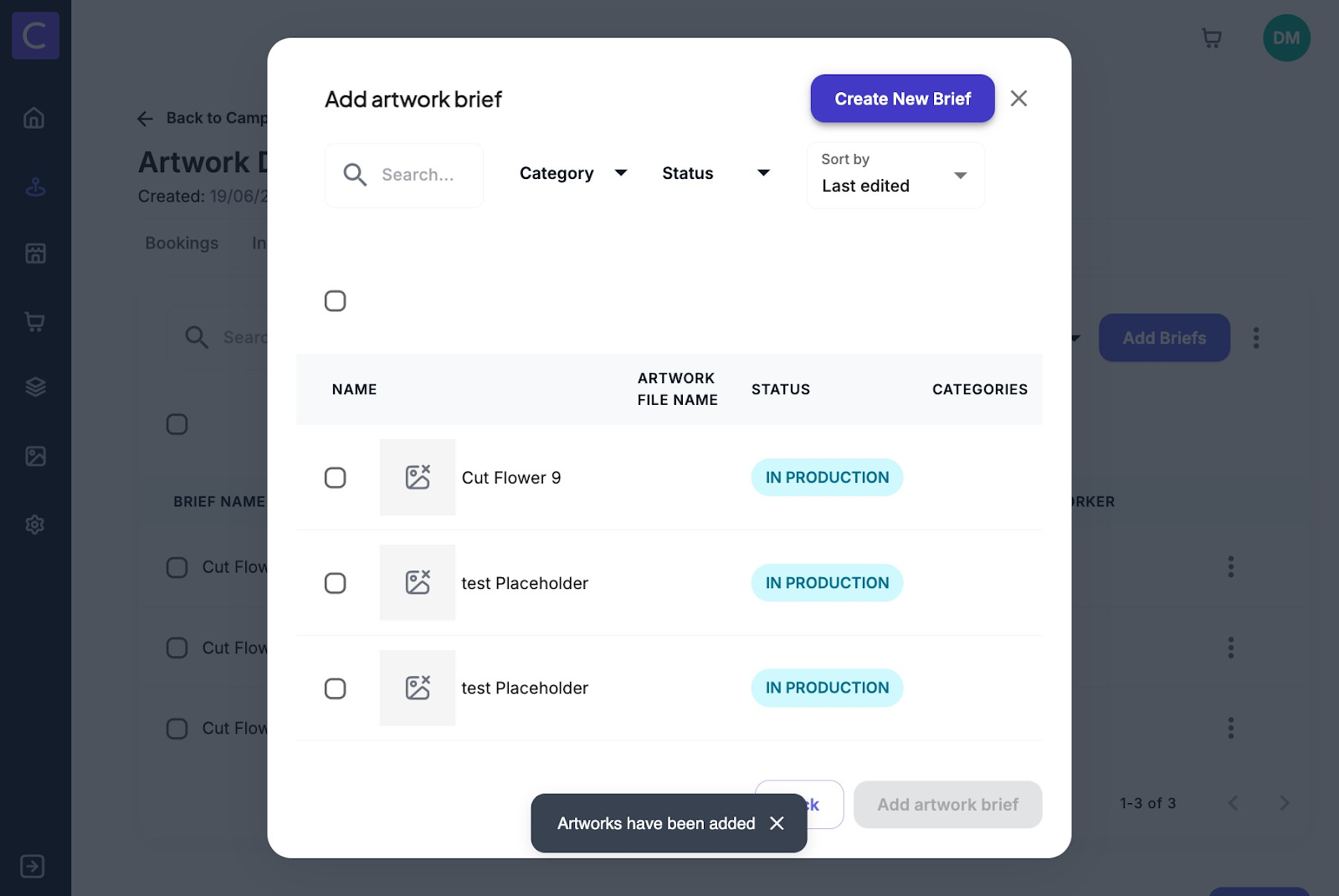
5. When adding a new brief simply name the brief and click create
6. Remaining brief information can be added to the brief by navigating to the information tab within the brief
Was this article helpful?
That’s Great!
Thank you for your feedback
Sorry! We couldn't be helpful
Thank you for your feedback
Feedback sent
We appreciate your effort and will try to fix the article