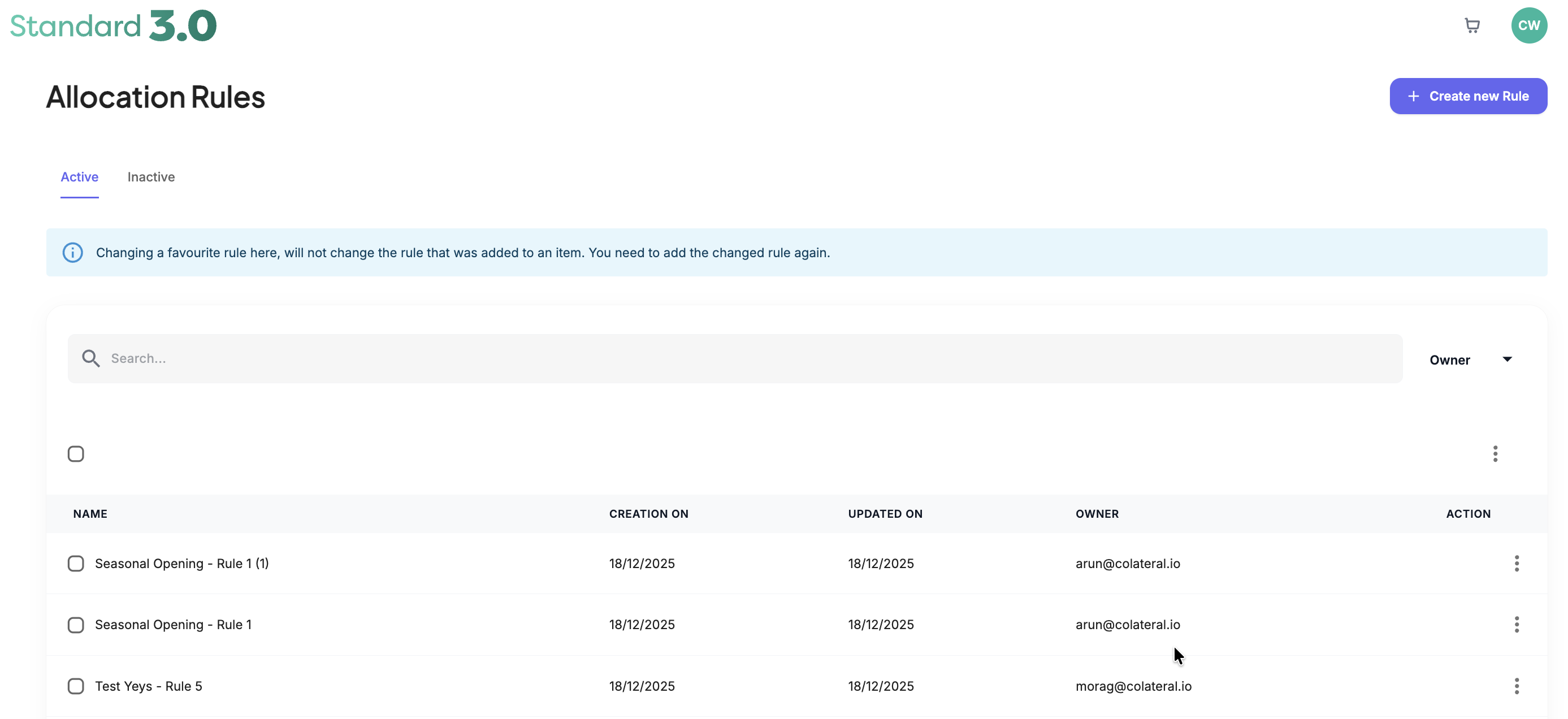
Allocation Rules automate how campaign items are distributed to locations. Instead of manually selecting stores for each item, you can create rules that automatically target locations based on specific criteria such as Assets, Features, Location Lists, or individual Locations.
Using Allocation Rules ensures the correct marketing materials are delivered to the correct stores while saving time during campaign setup.
Admin: Full Access
Super User: Edit Only
Basic User: View Only
How Allocation Rules Work
Allocation Rules determine where campaign items will be distributed by applying targeting logic.
Rules can be based on:
Assets
Target stores that contain specific physical fixtures (e.g., Door Decal, Large Window Poster).Features
Target locations based on attributes such as Region, Store Size, or Store Layout.Location Lists
Target a predefined group of stores created in the Location Lists module.Locations
Select individual stores manually.
Rules can also be refined with Variables, allowing multiple conditions to be applied.
Example:
Stores with Door Decal Asset AND located in Region Midlands.
Was this article helpful?
That’s Great!
Thank you for your feedback
Sorry! We couldn't be helpful
Thank you for your feedback
Feedback sent
We appreciate your effort and will try to fix the article