This article explains how to update an existing Allocation Rule.
Admin: Full Access
Super User: Edit Only
Basic User: View Only
Open the Admin dashboard.
Select the Allocation Rules tile.
Browse or search for the rule you want to edit
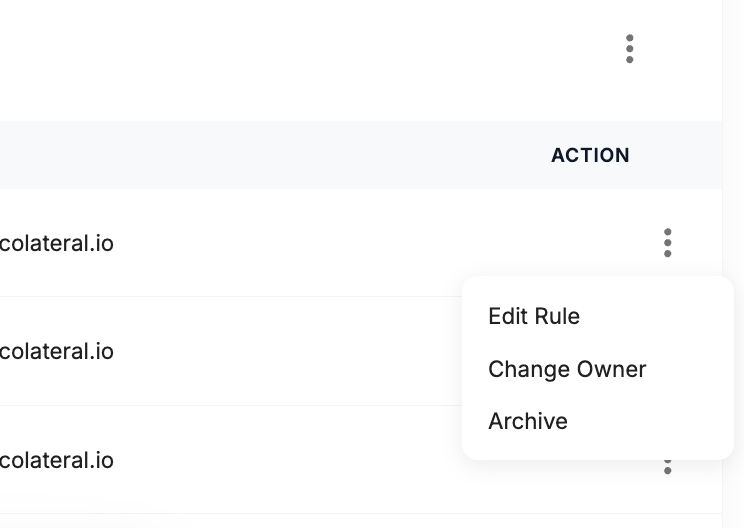
Click the three-dot action menu beside the rule.
Select Edit Rule.
Update any of the following:
Rule name
Primary targeting logic
Variables or conditions
Review the updated Target Locations summary.
Click Save Allocation to apply the changes.
Was this article helpful?
That’s Great!
Thank you for your feedback
Sorry! We couldn't be helpful
Thank you for your feedback
Feedback sent
We appreciate your effort and will try to fix the article